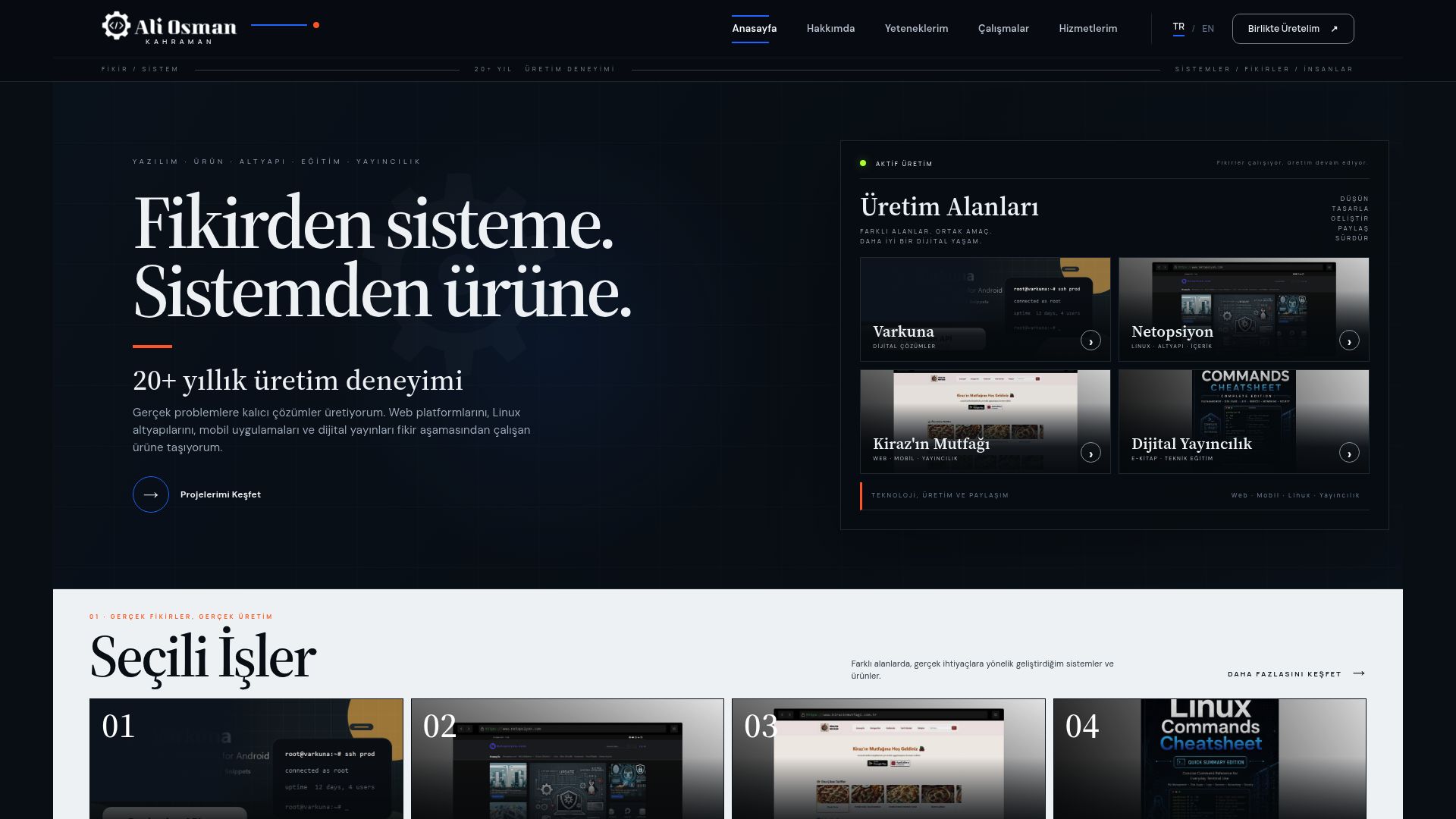
 01
01
Personal Website
A place to see what I build, what I have learned and the ideas I am still working on.
Real, working products spanning web platforms, mobile applications, education and digital publishing.
IDEA · DESIGN · DEVELOPMENT · RELEASELiving products and platforms that bring different disciplines together in one working result.
Choose a category and explore related projects, products, courses and publications.
01A place to see what I build, what I have learned and the ideas I am still working on.
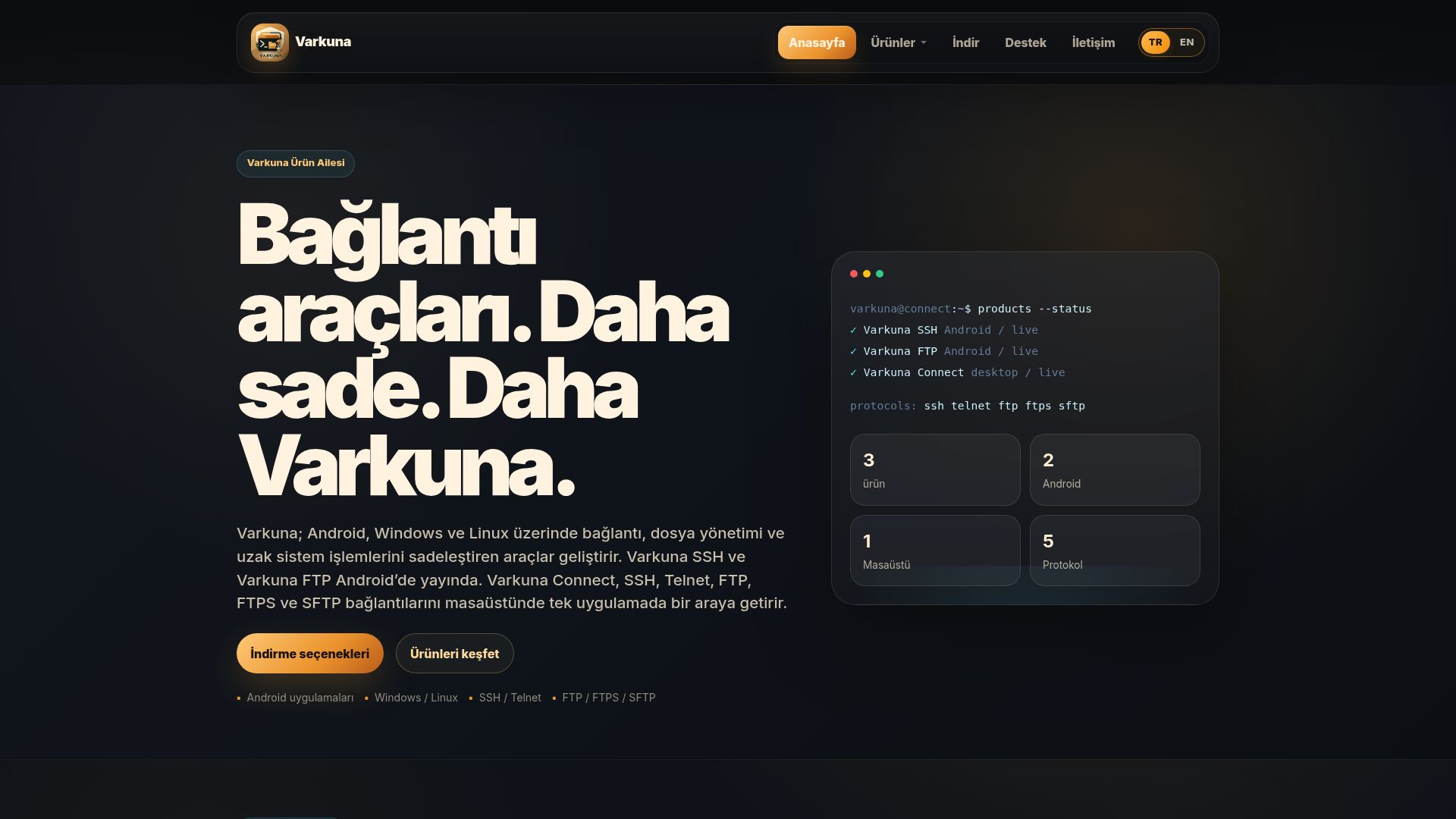 02
02
The place to find every Varkuna product, its downloads and the help needed to get started.
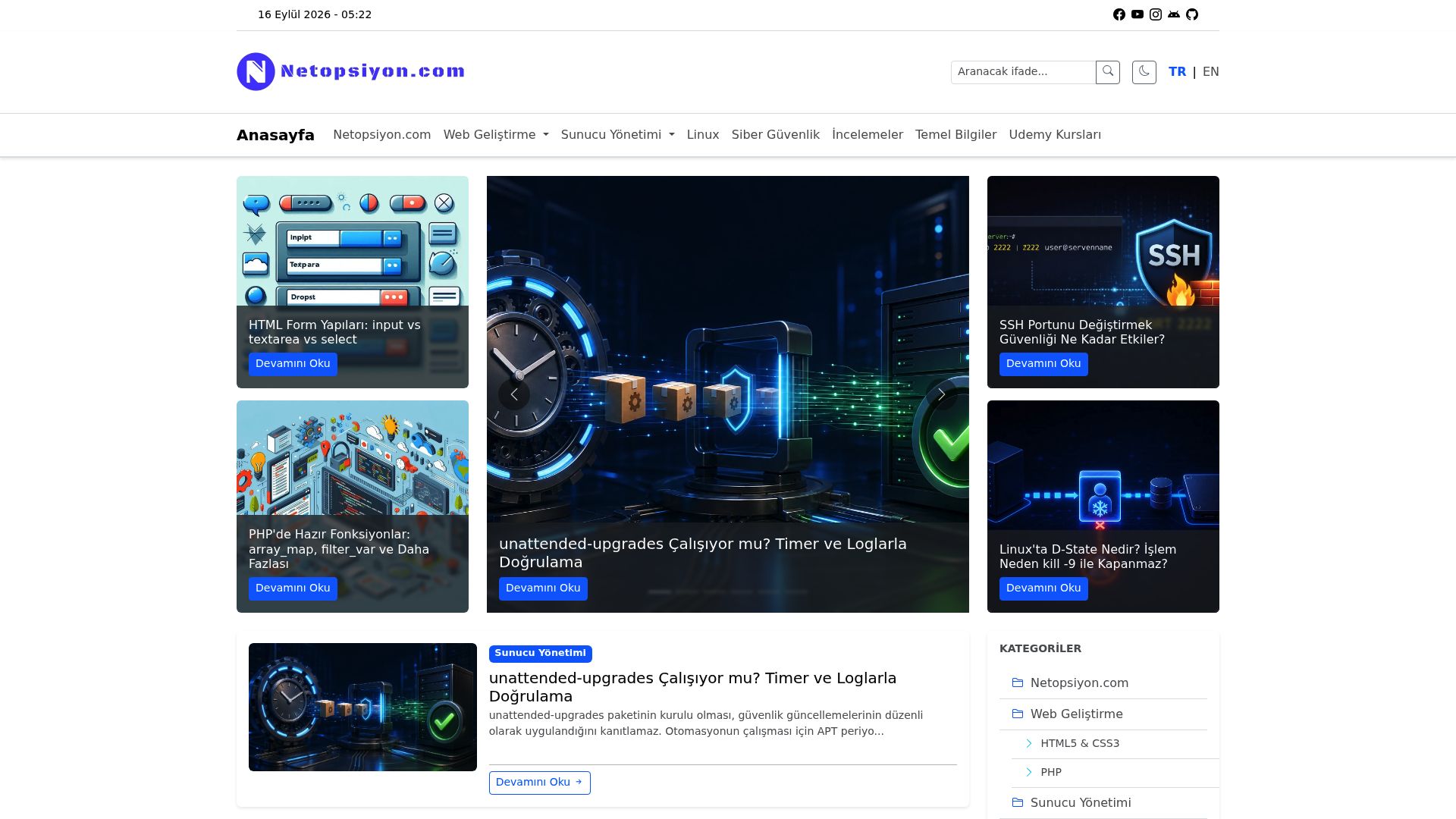 03
03
Notes from the real work: PHP, Linux, servers and the web problems I have had to solve.
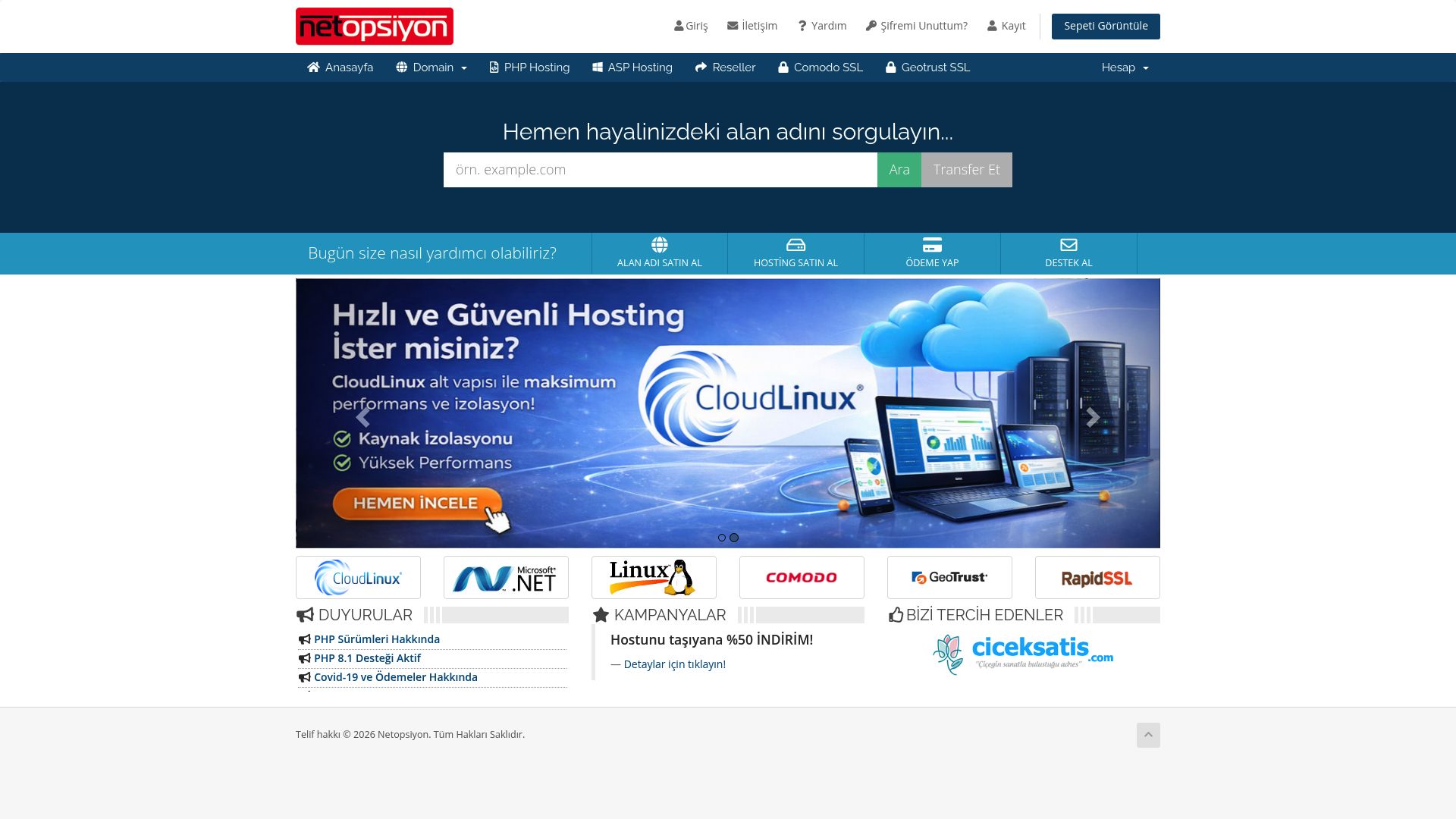 04
04
A straightforward place to compare domain and hosting options without digging through vague promises.
 05
05
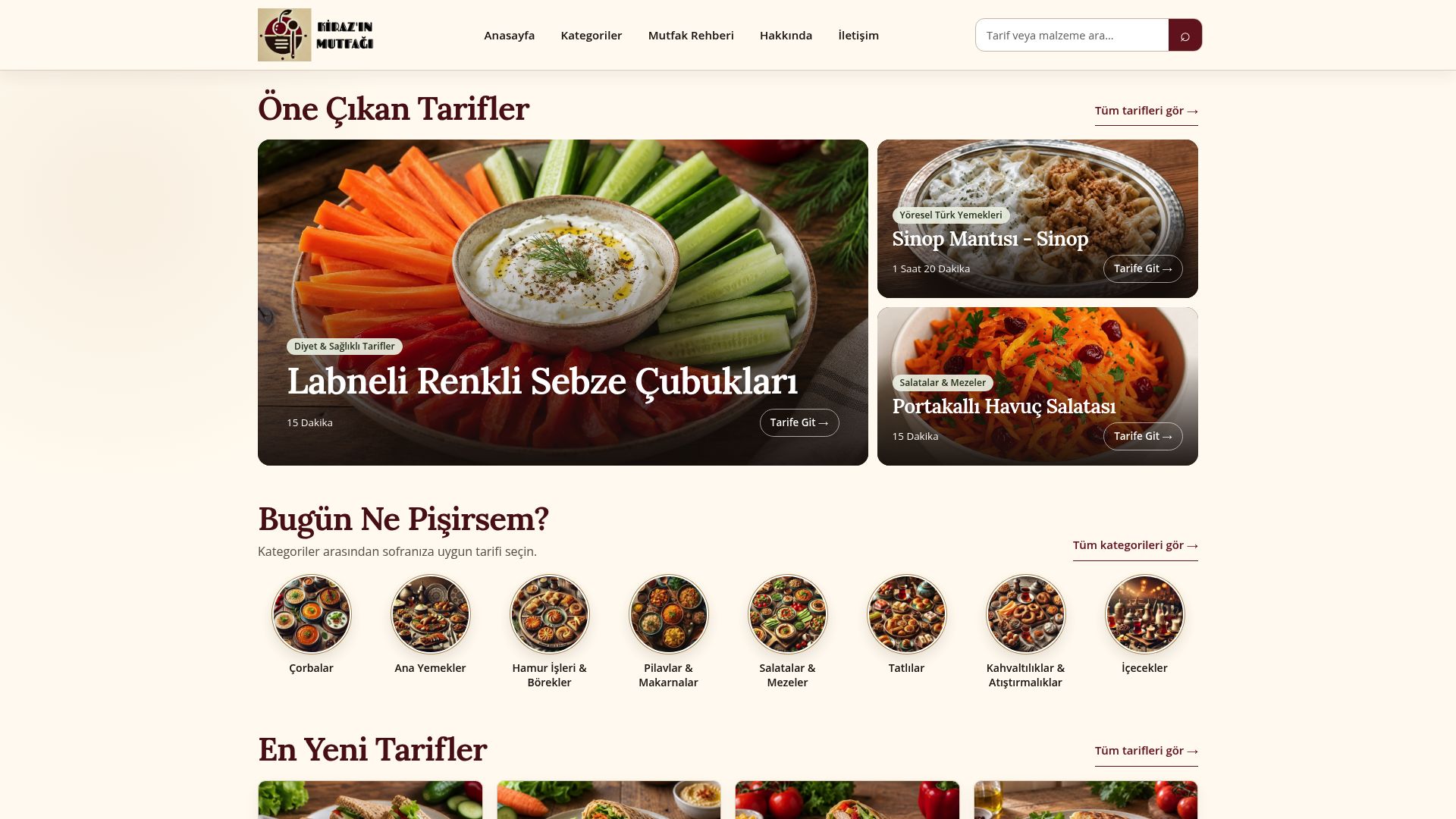
A place for anyone asking “what should I cook?”—with recipes, useful categories and kitchen ideas together.
 06
06
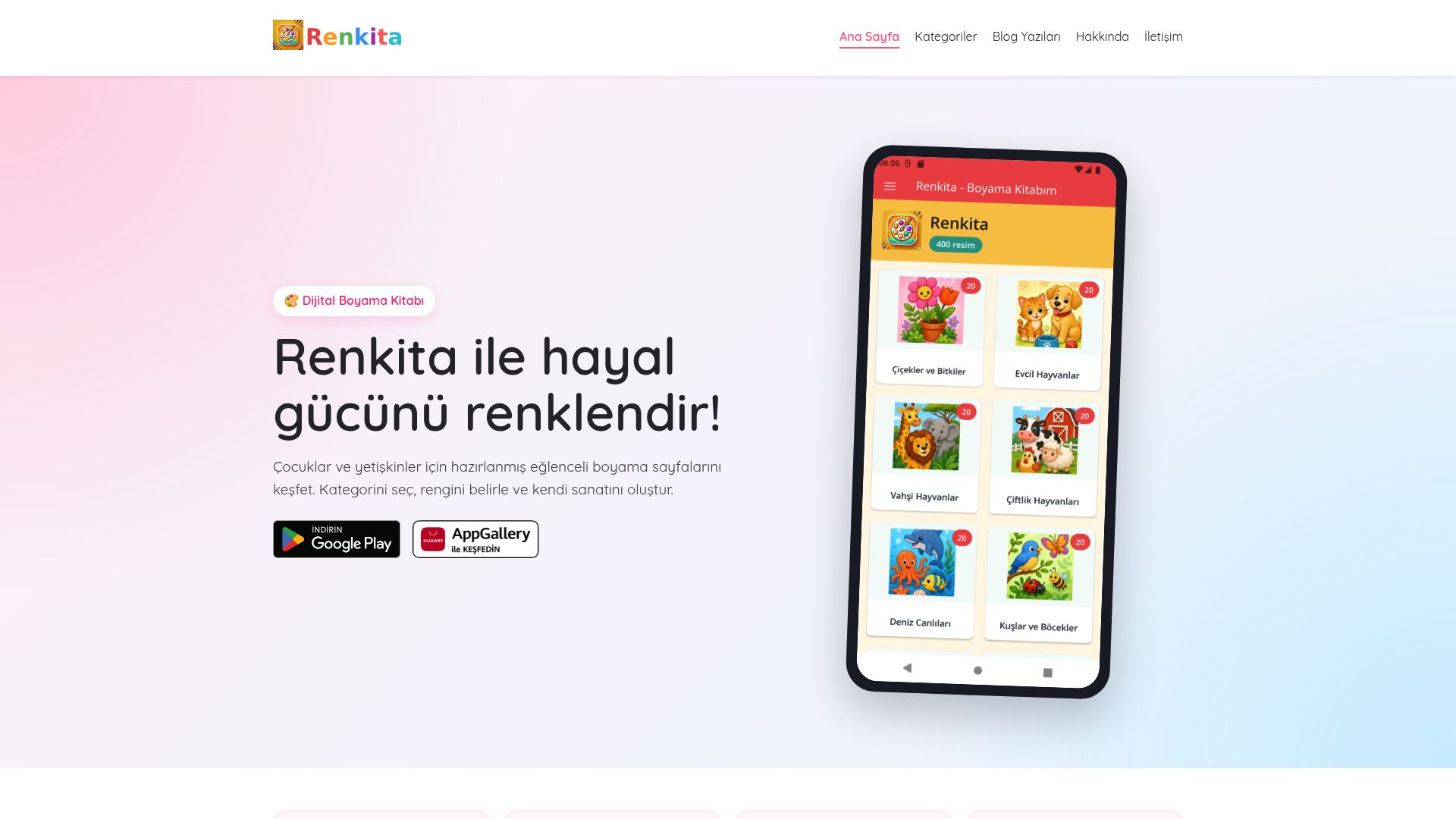
A closer look at Renkita, its drawings and the colorful way the app turns a quiet moment into play.
 07
07
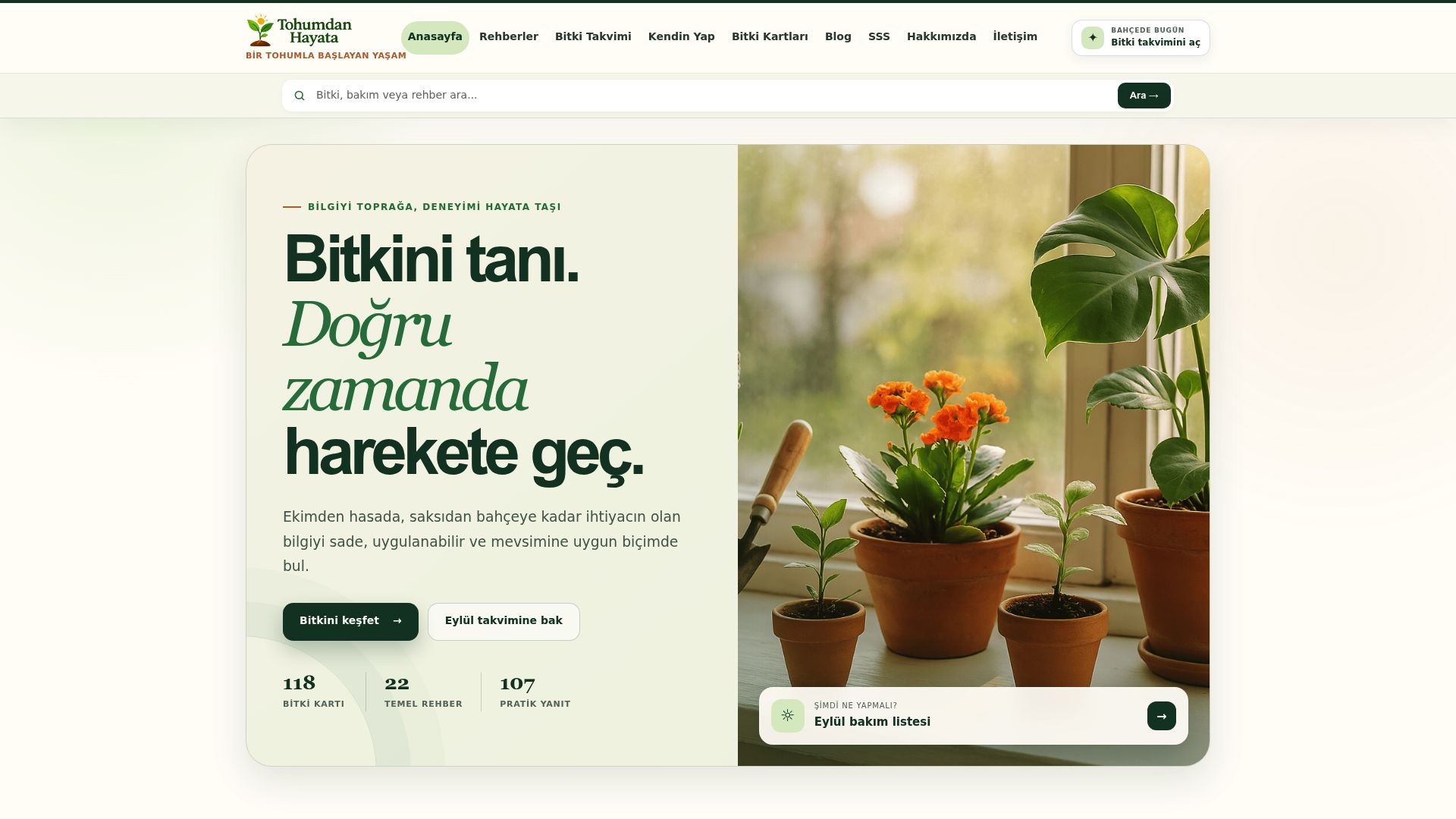
A guide for naming a plant, learning what it needs and following its growth step by step.
 08
08
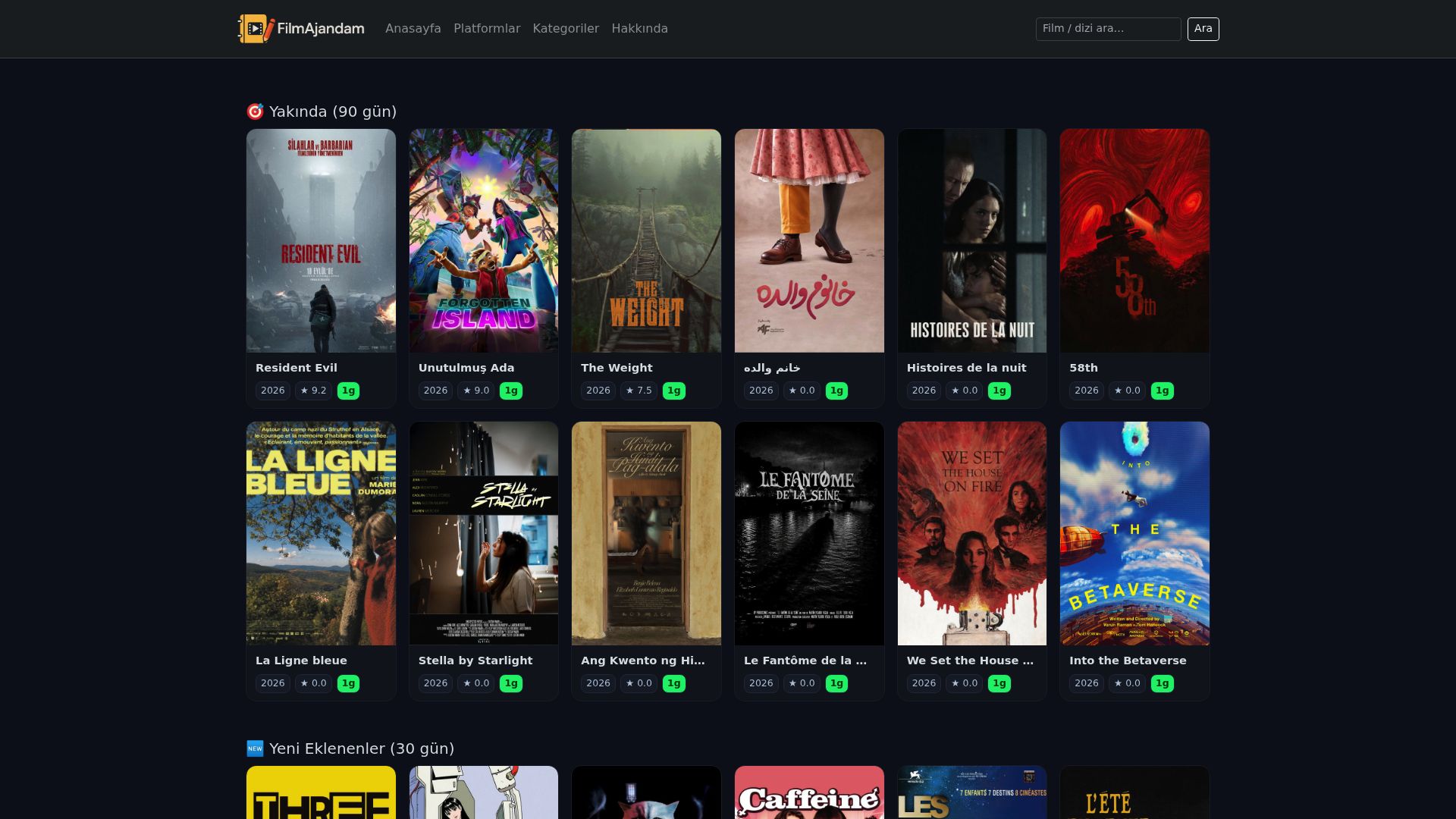
A place to find something worth watching, then keep the film, cast and notes in one view.
 09
09
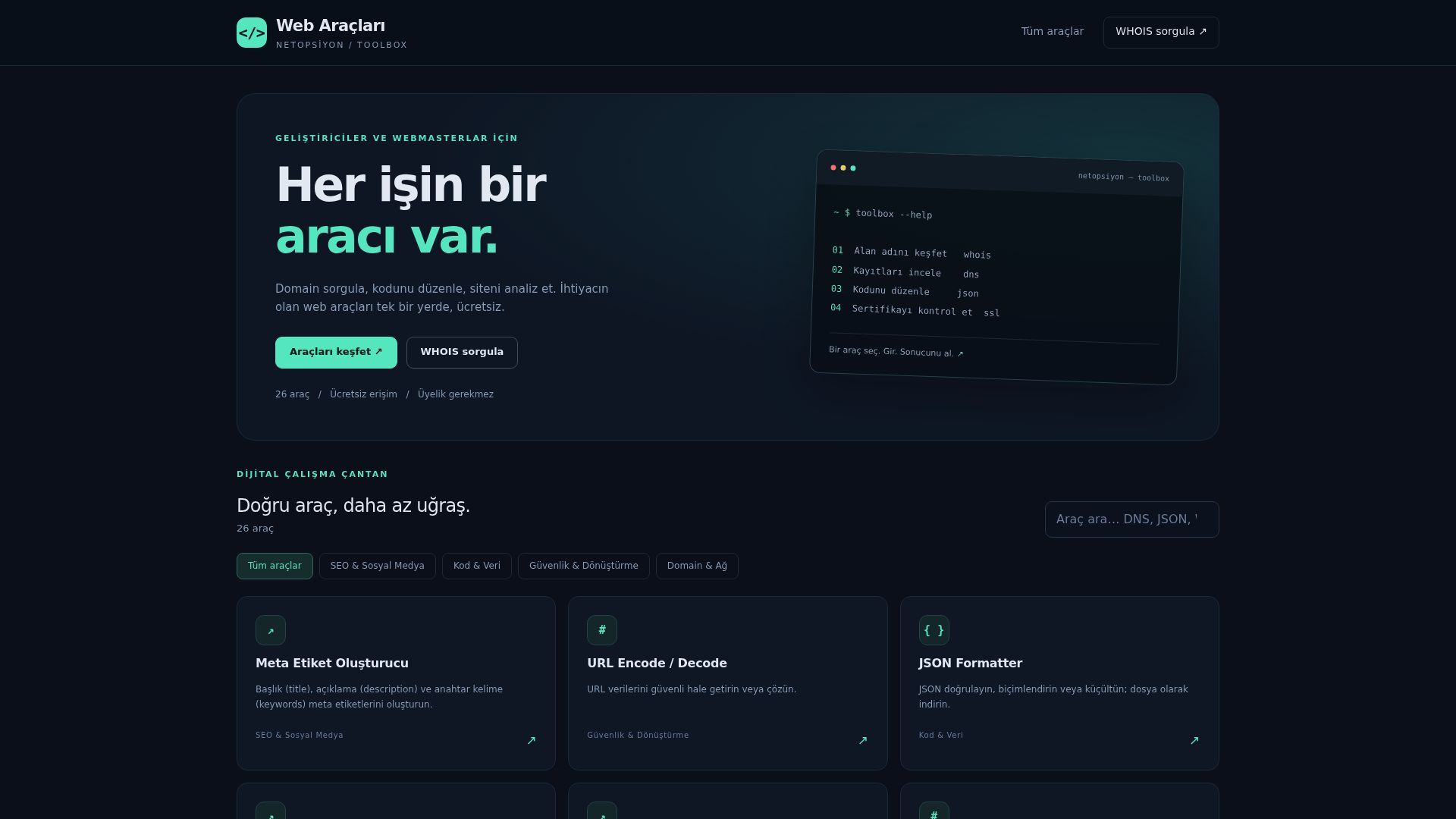
The little web tools I reach for when a quick check or conversion saves time.
 10
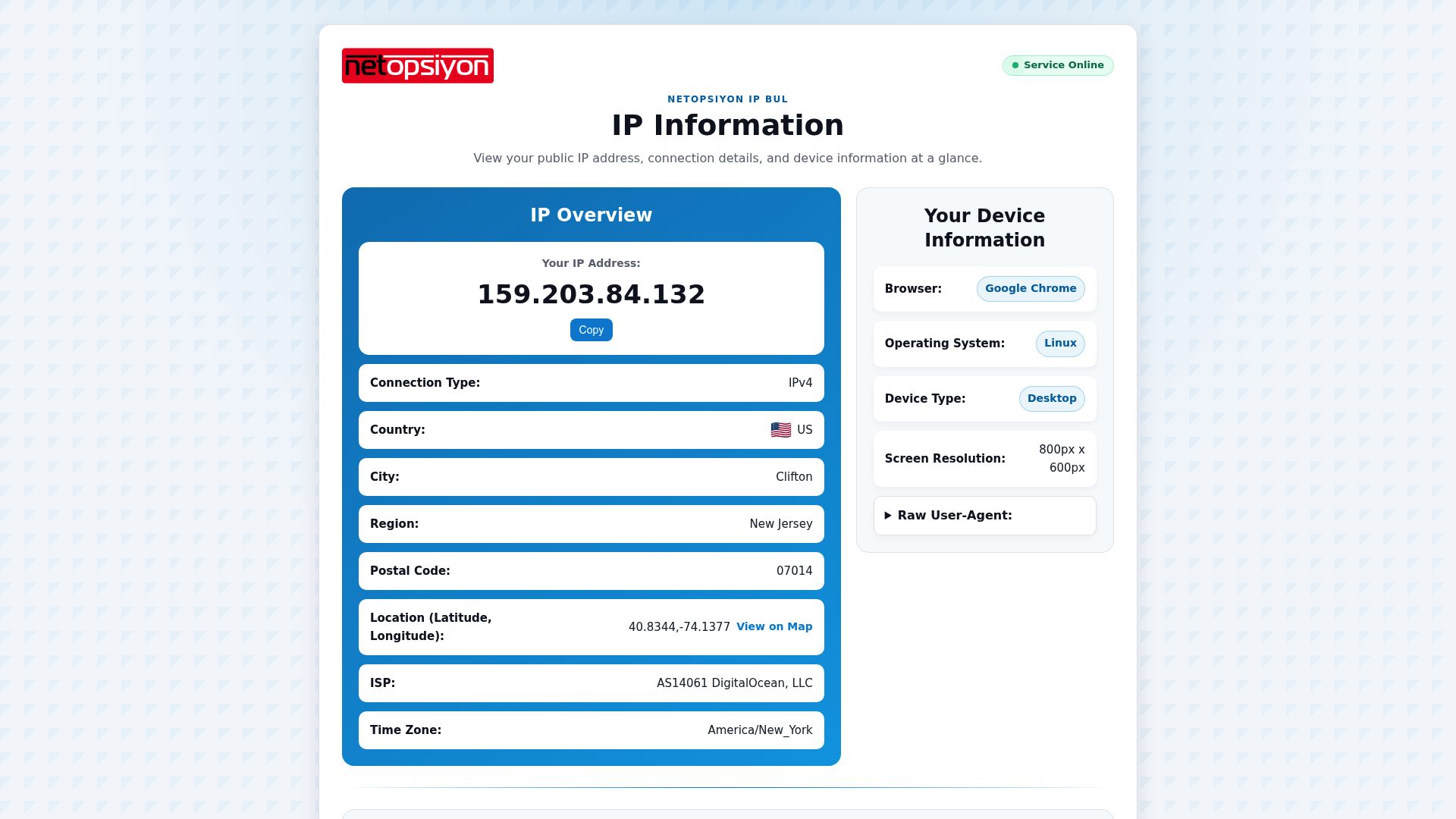
10A single-screen look at your IP address and the key details of the connection you are using now.
 11
11
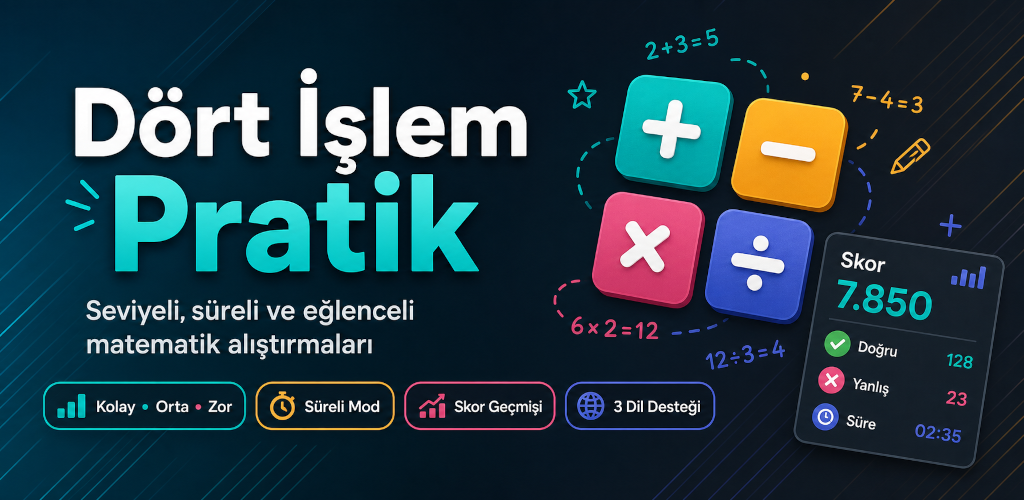
Short exercises for anyone who wants a little more practice with the four basic operations.
 12
12
The familiar little rush of XOX and SOS, ready for a quick round on your phone.
 13
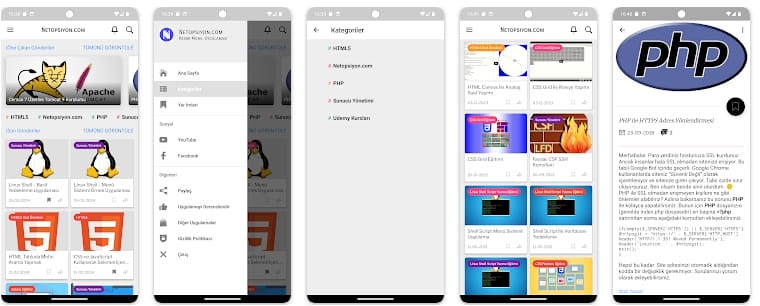
13An Android reader for keeping up with Netopsiyon articles when you are away from the desk.
 14
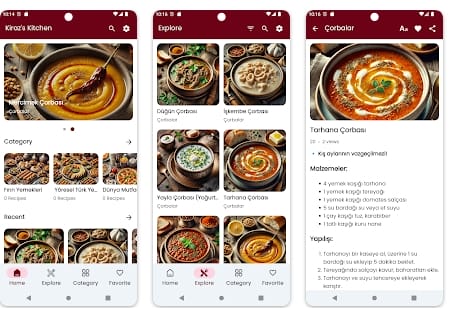
14A handy way to keep Kiraz’s Kitchen recipes close while shopping, cooking or planning dinner.
 15
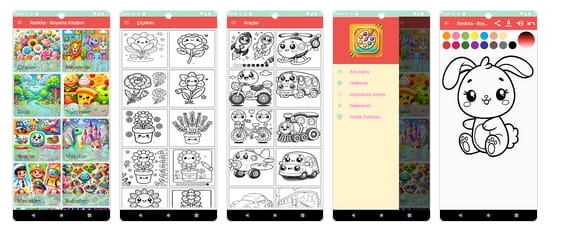
15A coloring app for children and adults who want to slow down and add a little color to the day.
 16
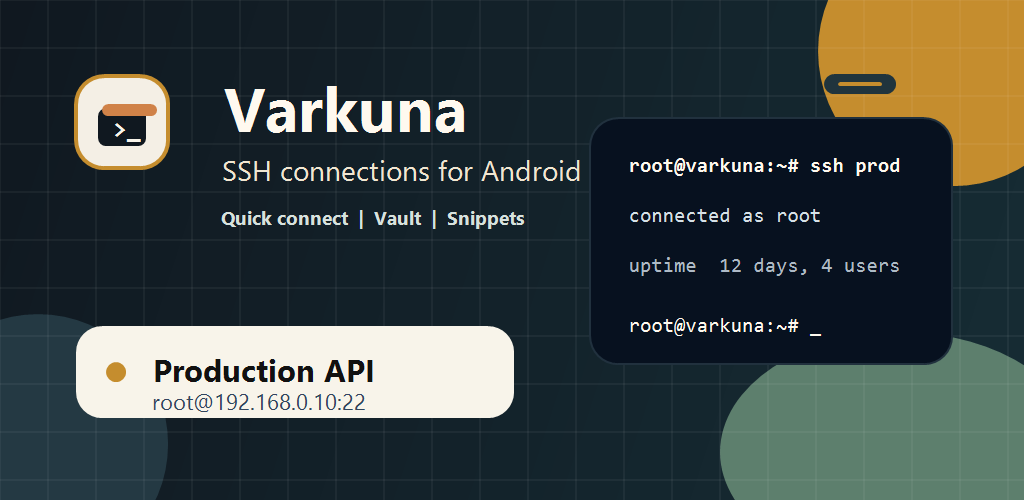
16A compact way to reach saved servers over SSH and keep the commands you use most close at hand.
 17
17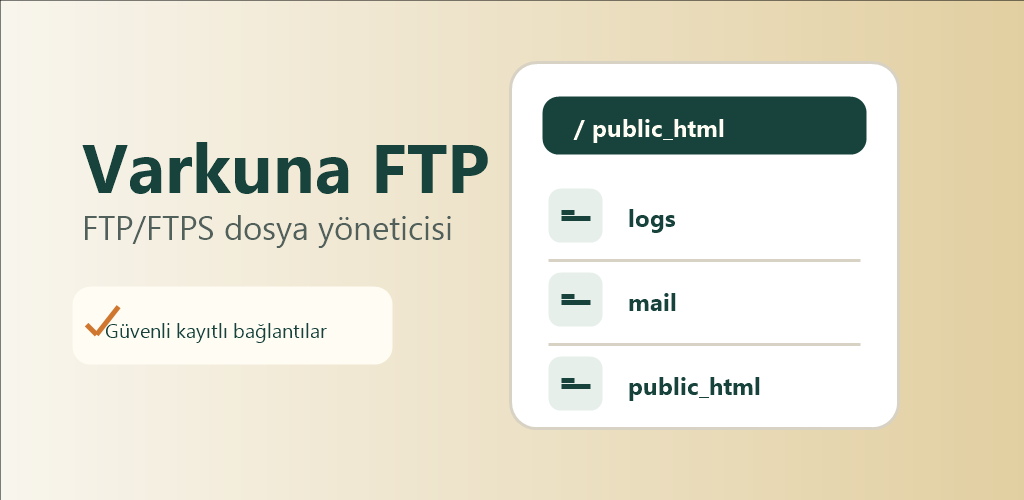
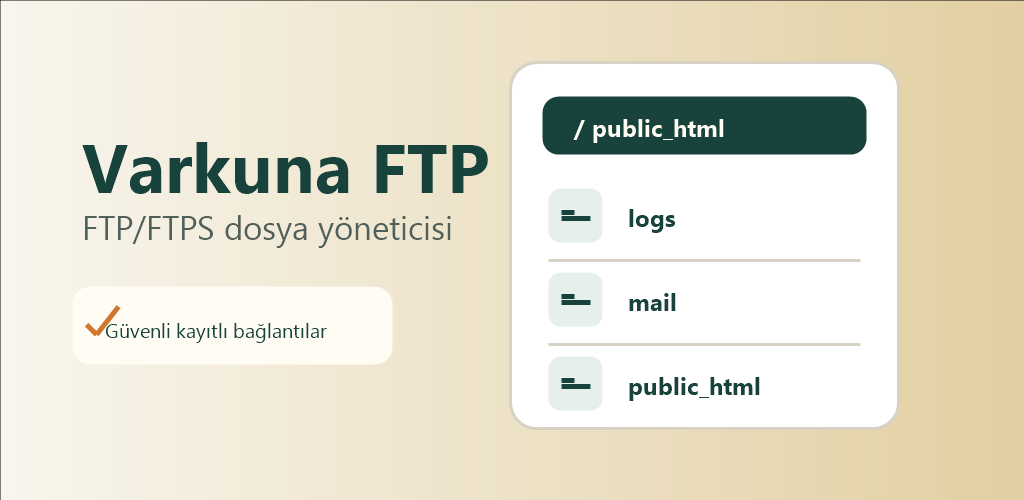
A simple, ad-free way to move files between your phone and FTP, FTPS or SFTP servers.
 18
18
A colorful square puzzle for the kind of quiet break that turns into “just one more move.”
 19
19
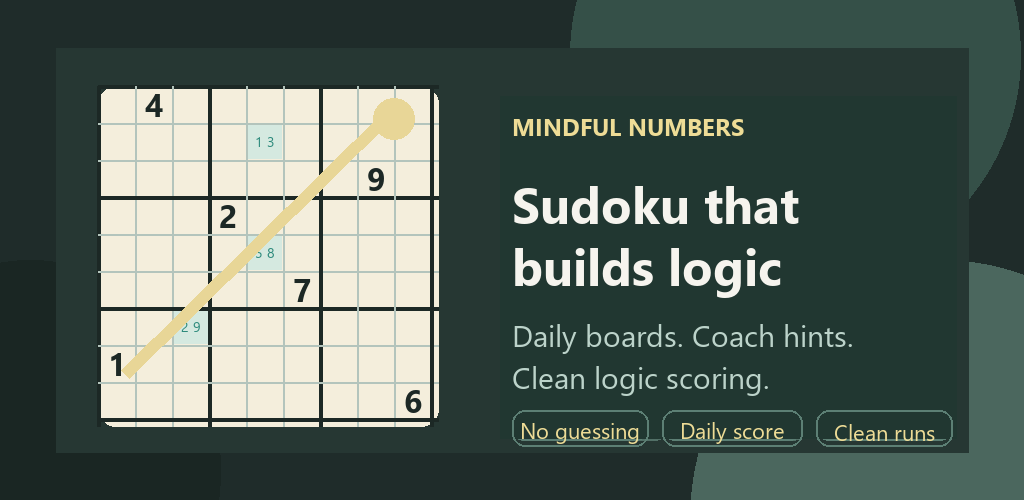
For Sudoku players who would rather reason through the board than guess their way across it.
 20
20
Merge matching numbers, grow the board and see how long you can keep the next move alive.
 21
21
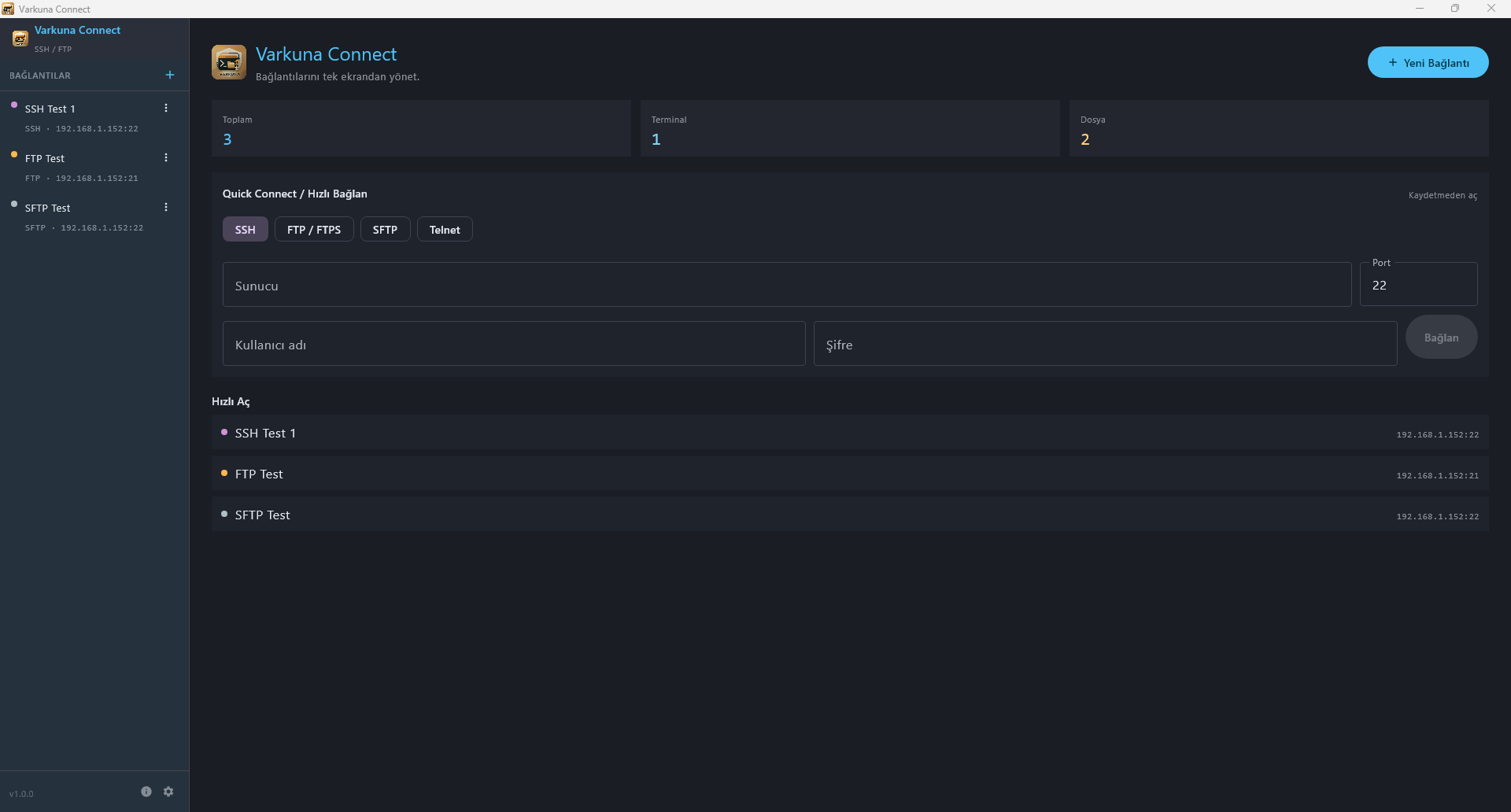
A desktop workspace I built to keep server connections, terminal work and file transfers in one window.
 22
22
A step-by-step starting point for learning HTML, from the first tag to a well-structured page.
 23
23For anyone who wants a page to look good and still behave properly on every screen.
 24
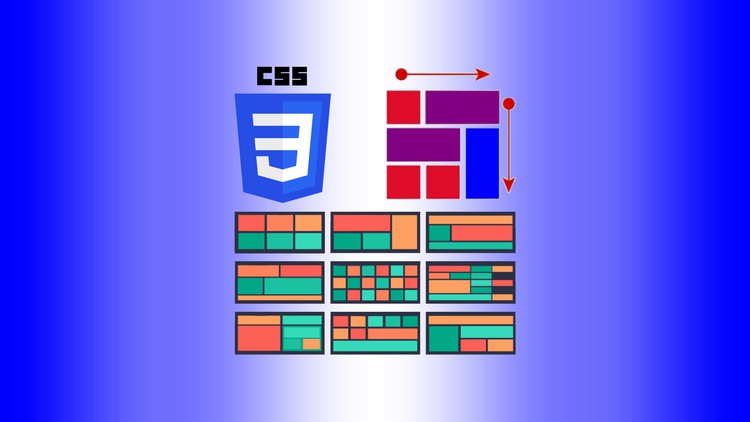
24A practical way to arrange cards, columns and page sections with CSS Grid.
 25
25A clear introduction to using Flexbox when menus and content need to line up properly.
 26
26A simple route into vi/vim for anyone who wants to edit files without leaving the terminal.
 27
27A starting point for making Linux handle repetitive work through small shell scripts.
 28
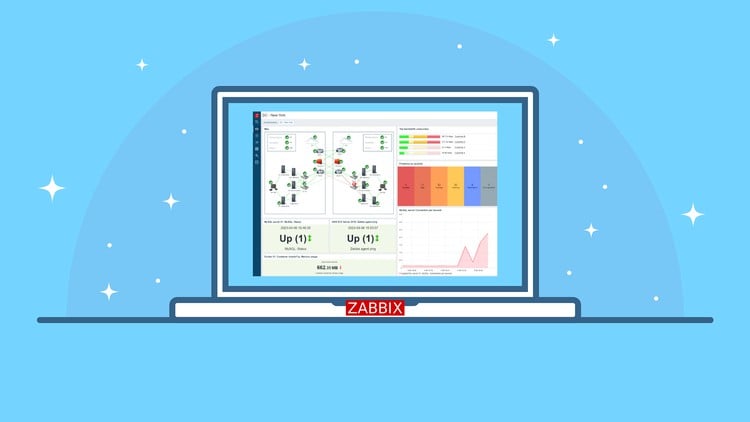
28A start-to-finish guide for getting Zabbix ready to watch over your servers.
 29
29A quick introduction to opening, editing and saving files with nano in the terminal.
 30
30
A book for the evenings when you ask “what should I cook?” and want a useful answer.
 31
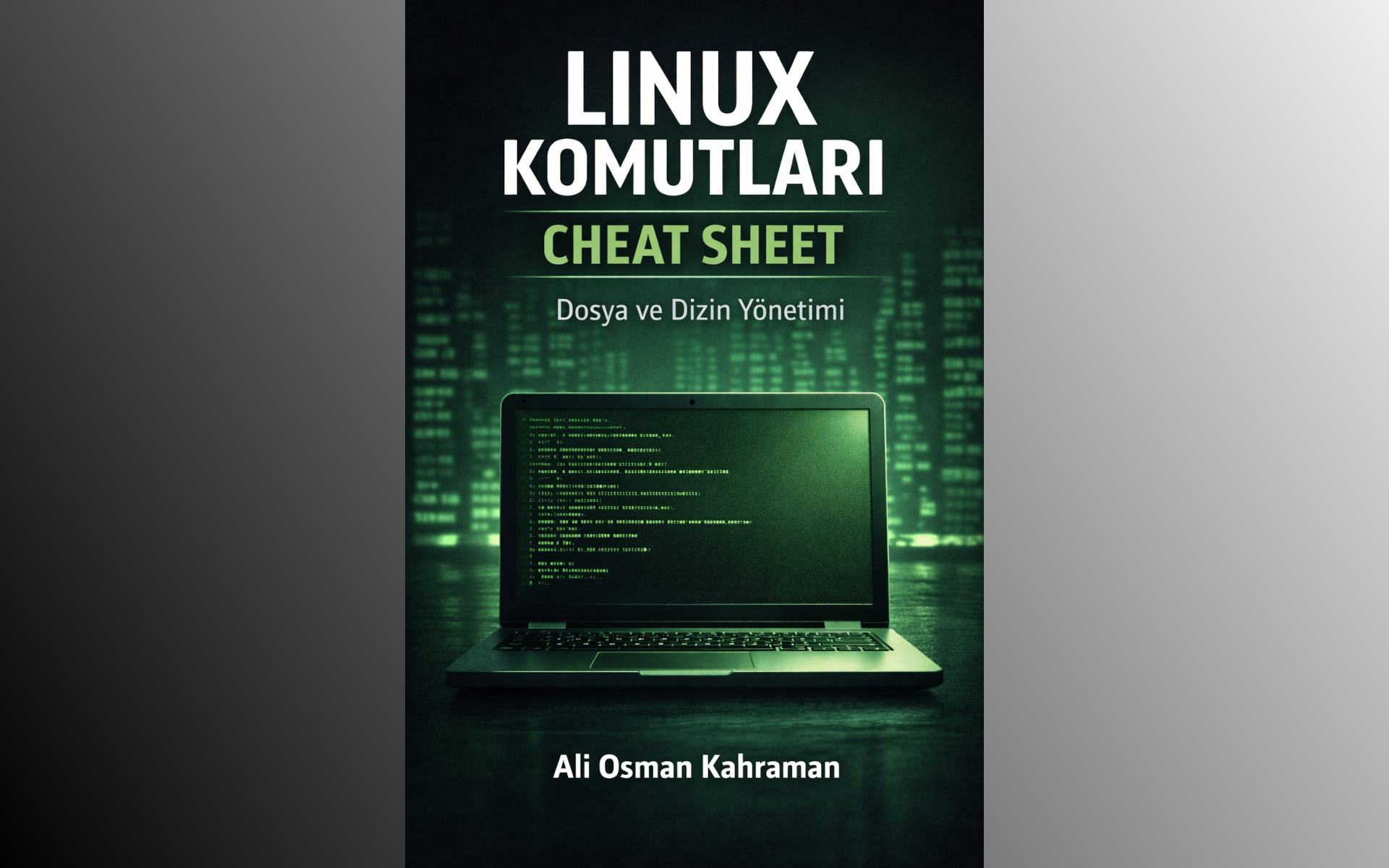
31The first book collects the Linux commands you reach for when working with files and folders.
 32
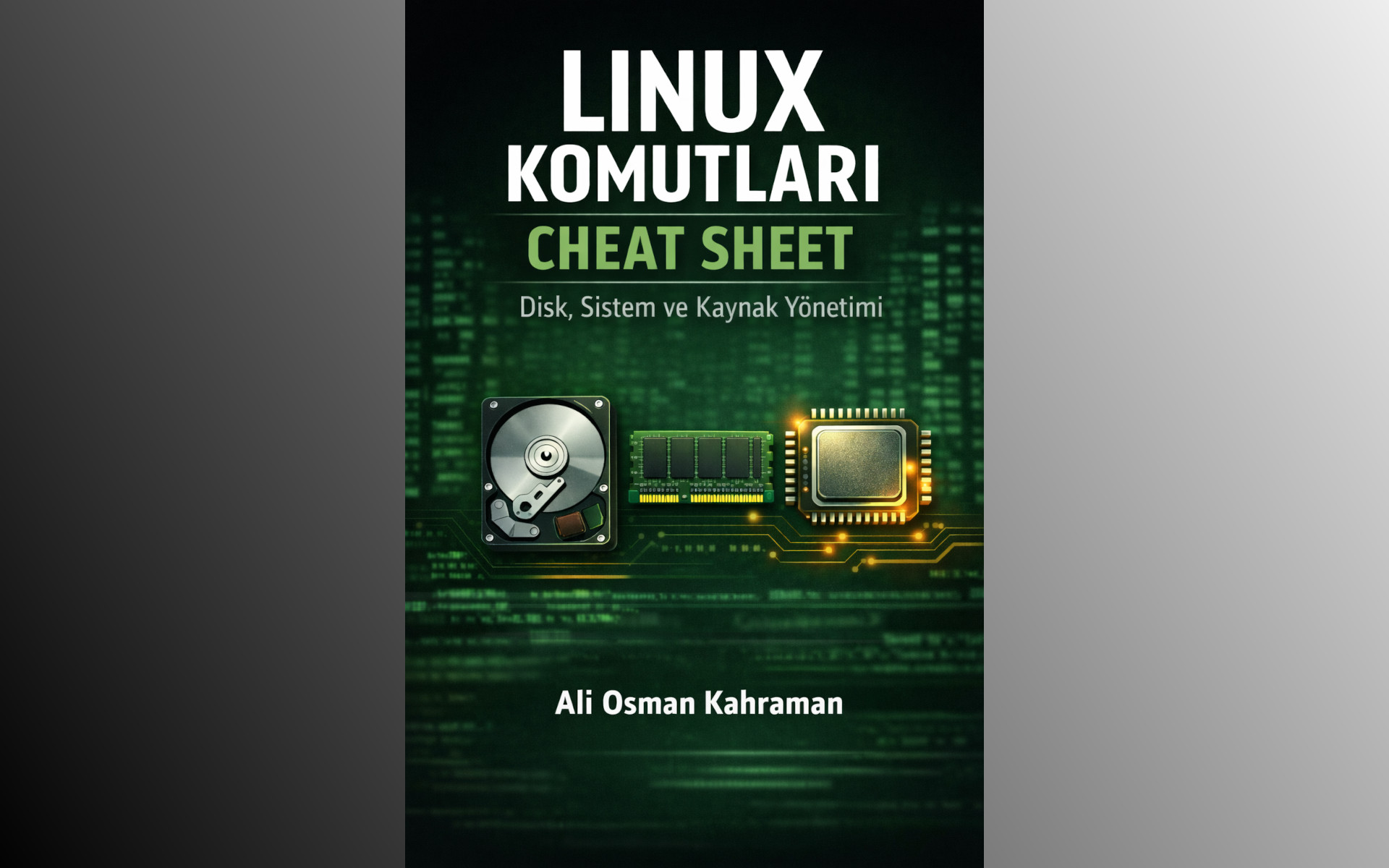
32The second book is for checking disk space, system status and the resources behind it all.
 33
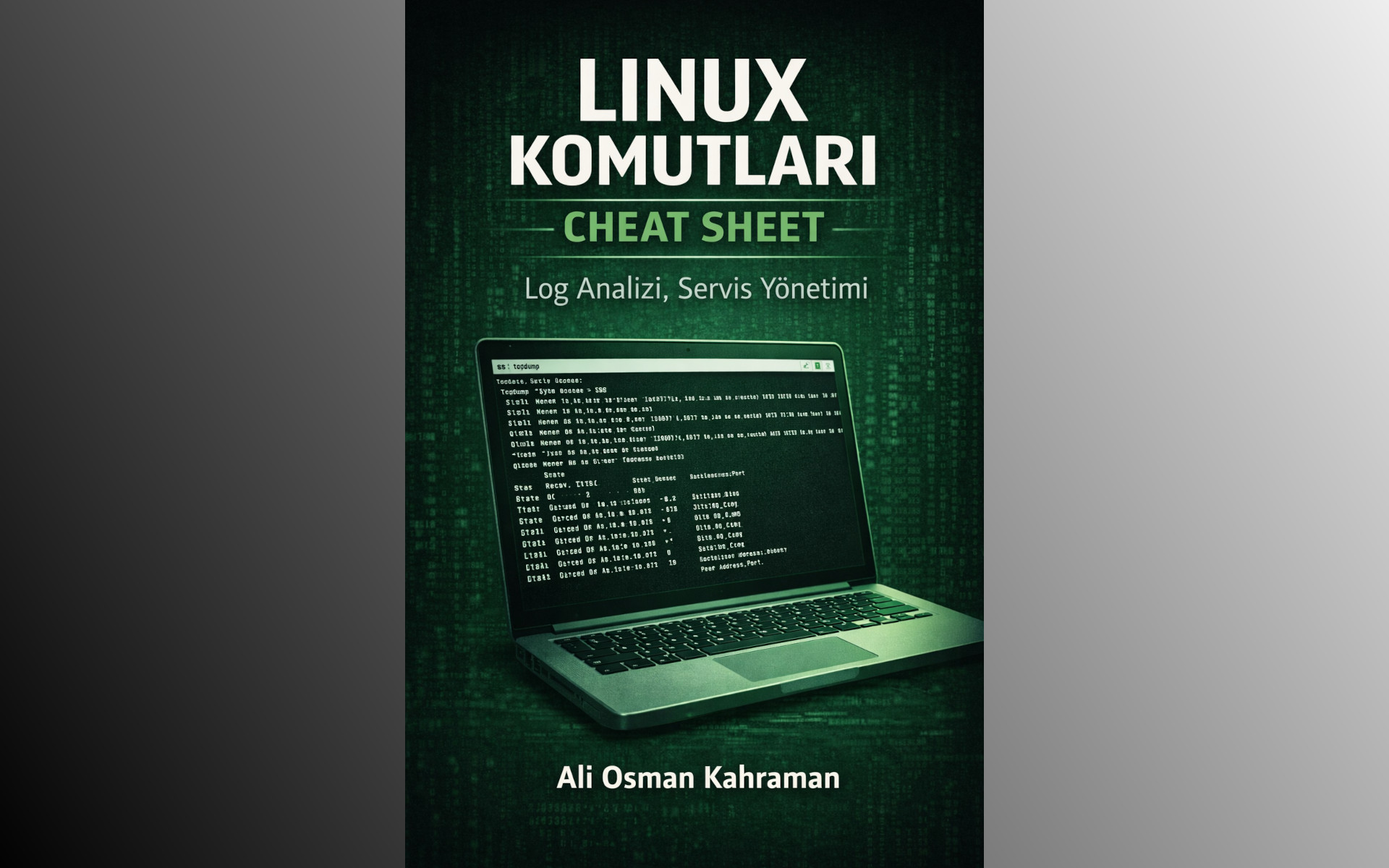
33The third book keeps the commands for logs and services close when a server needs attention.
 34
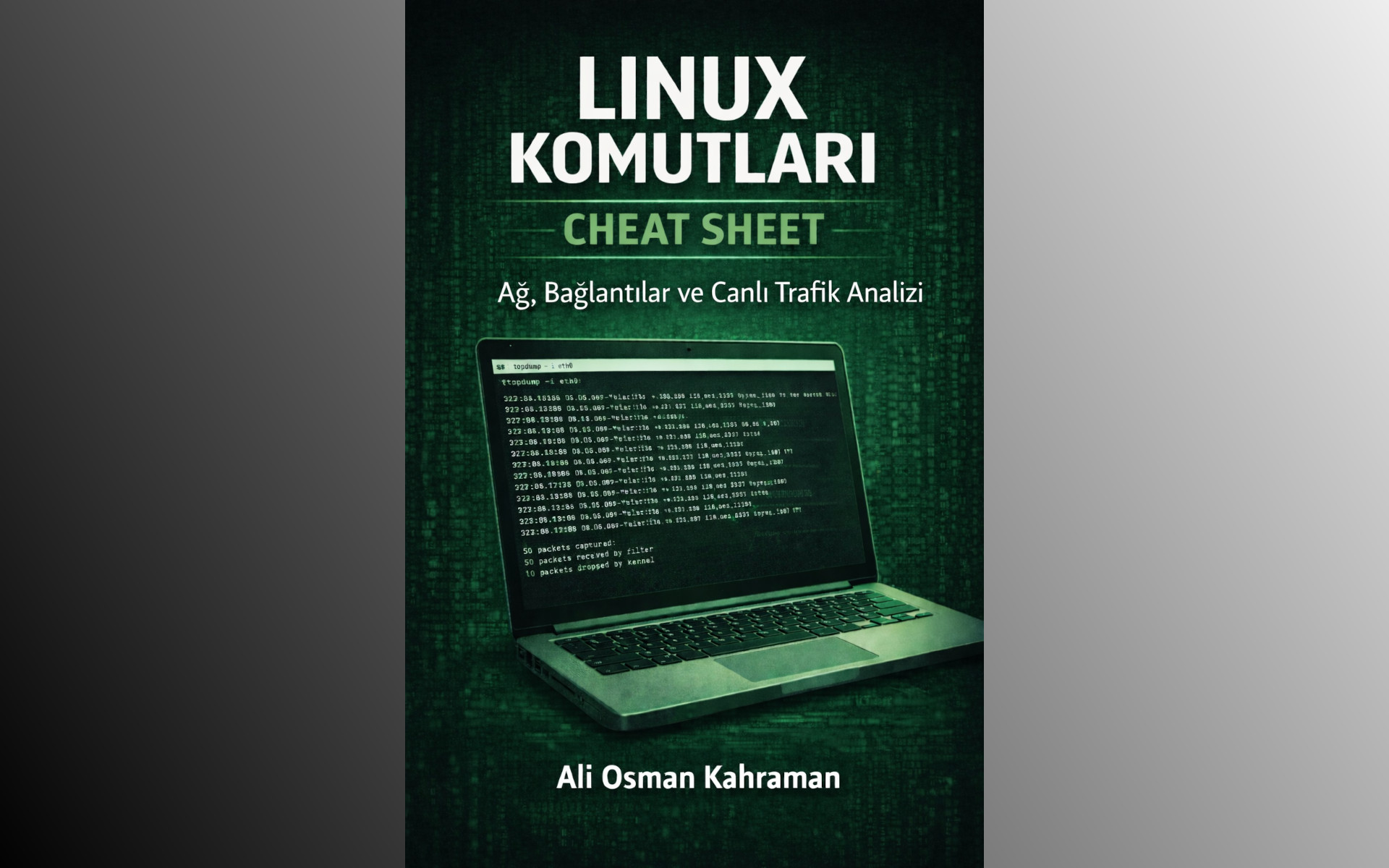
34The fourth book focuses on the commands that help you understand connections, ports and live traffic.
 35
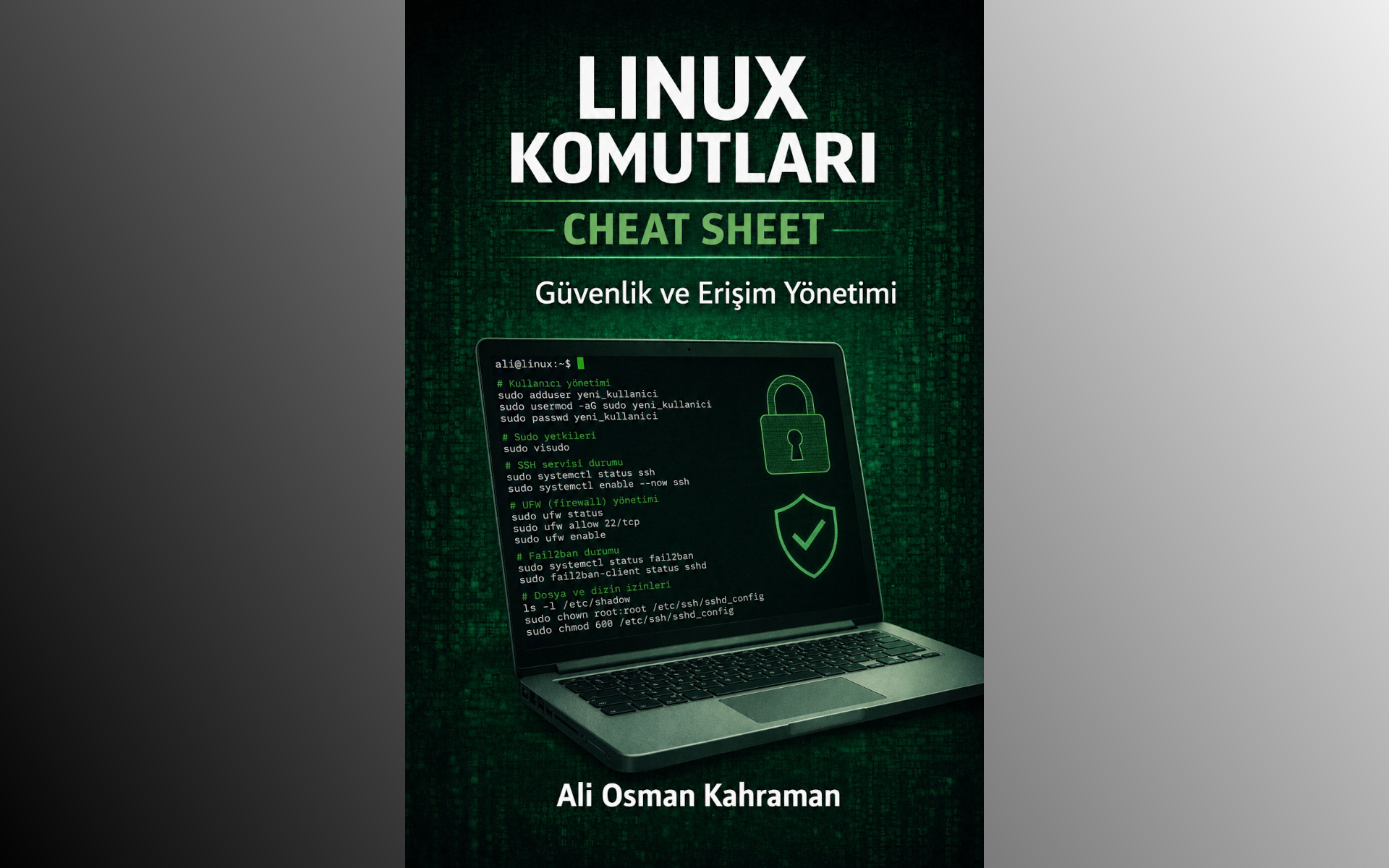
35The fifth book is a quick reference for users, permissions, file access and everyday security work.
 36
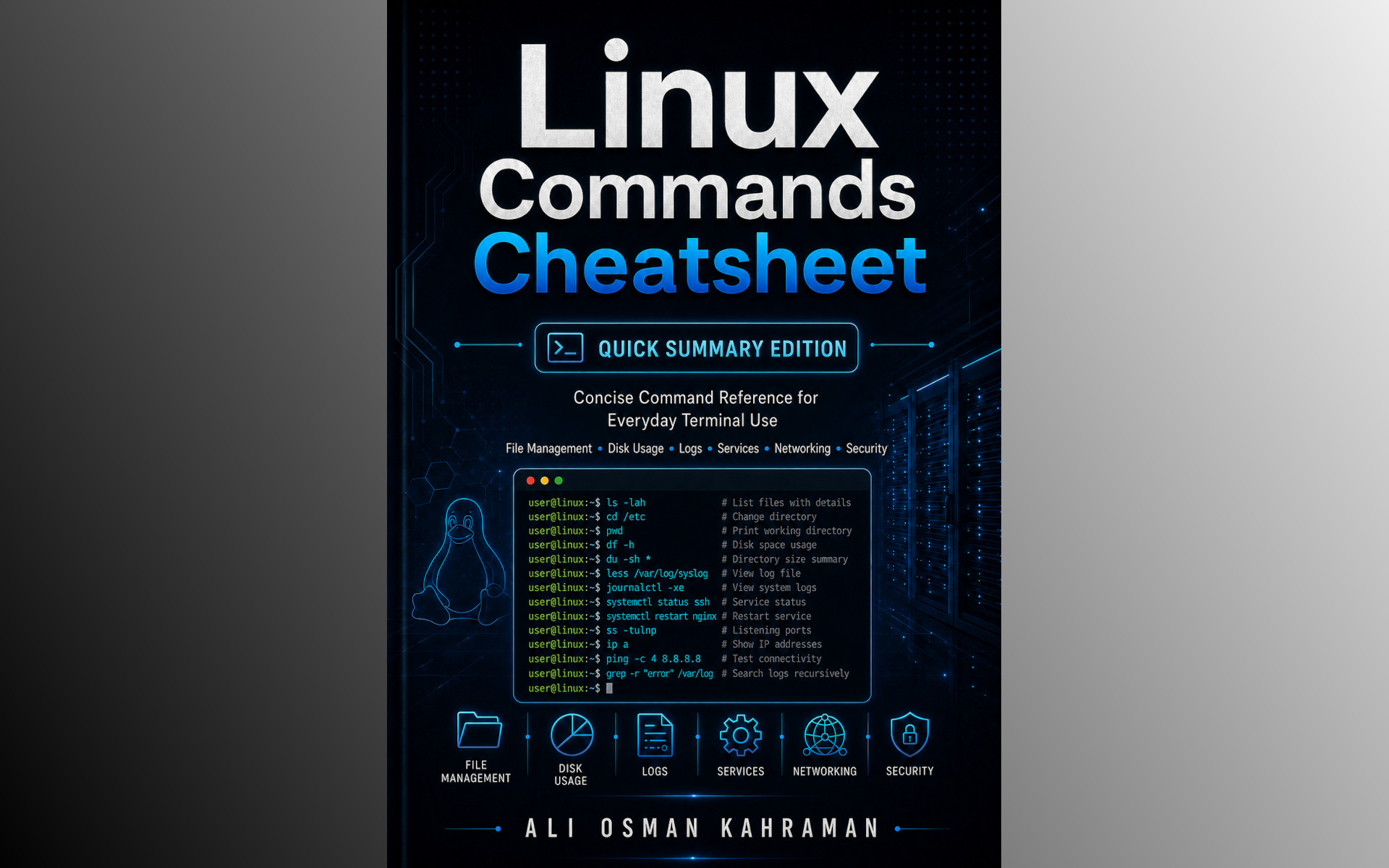
36When you know what you need but not the exact syntax, this short Linux summary gets you moving.
 37
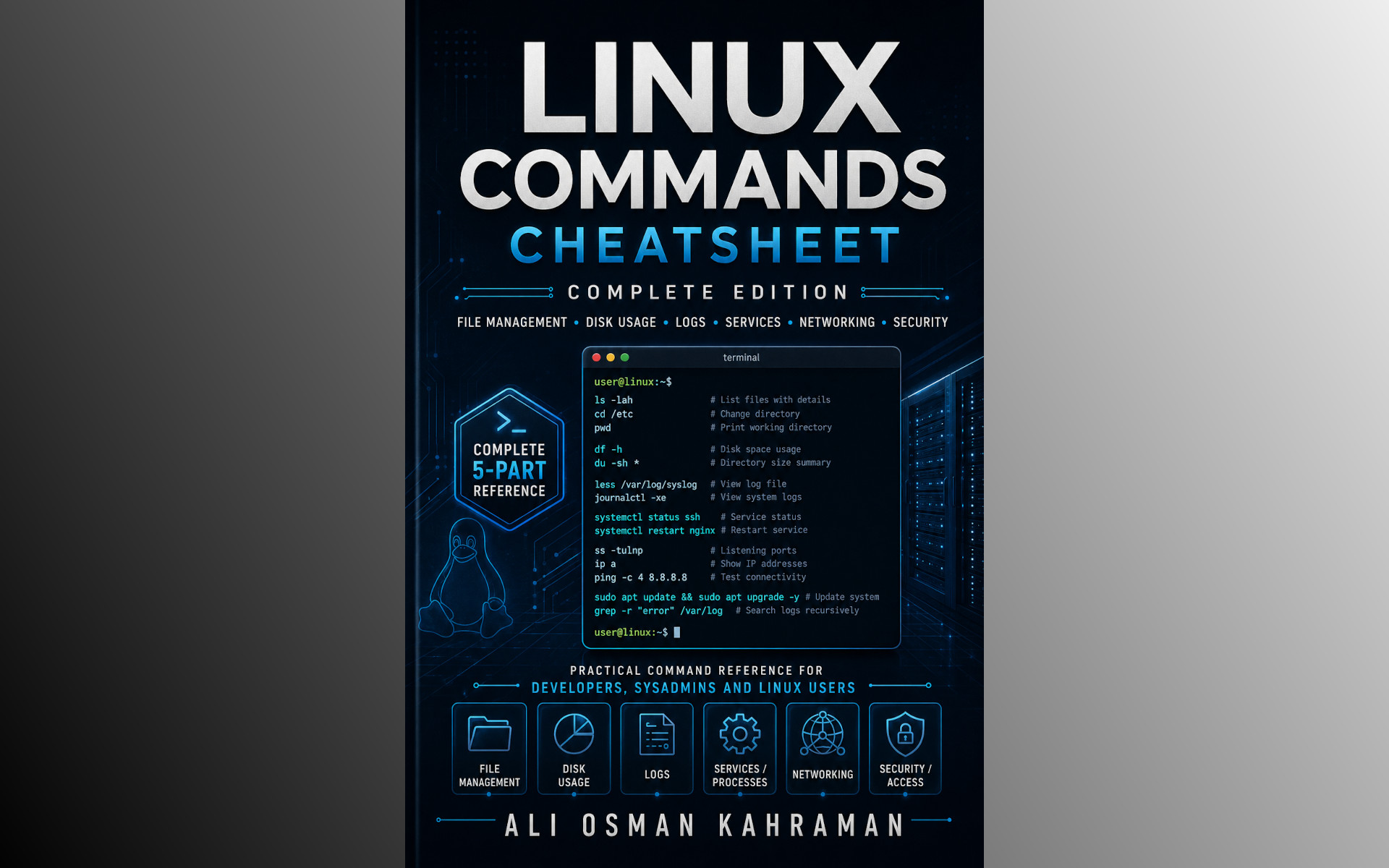
37A larger Linux reference for the terminal work and system administration tasks that come up every day.
 38
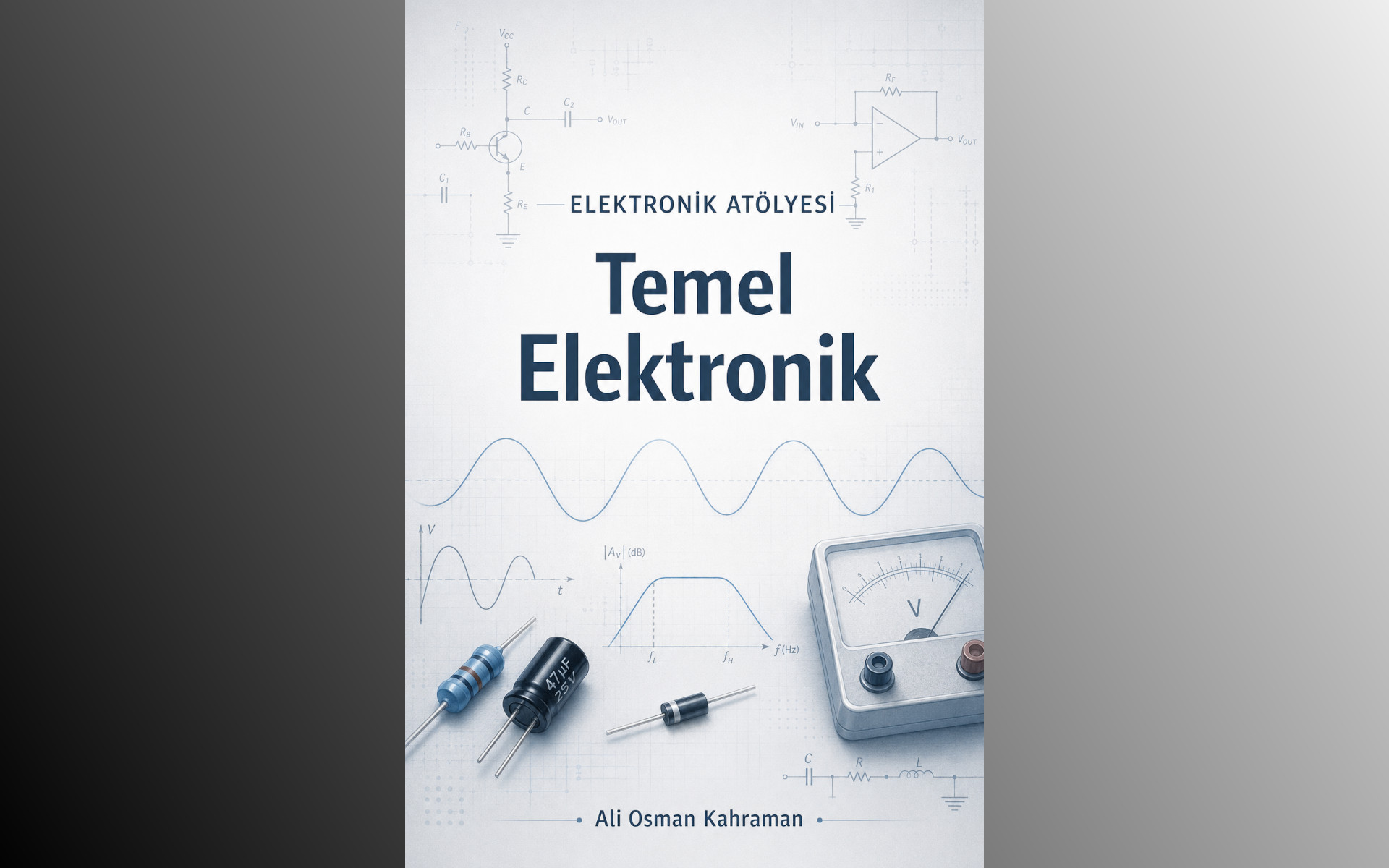
38A friendly first step into electronics, from Ohm's law and transistors to soldering at the bench.
 39
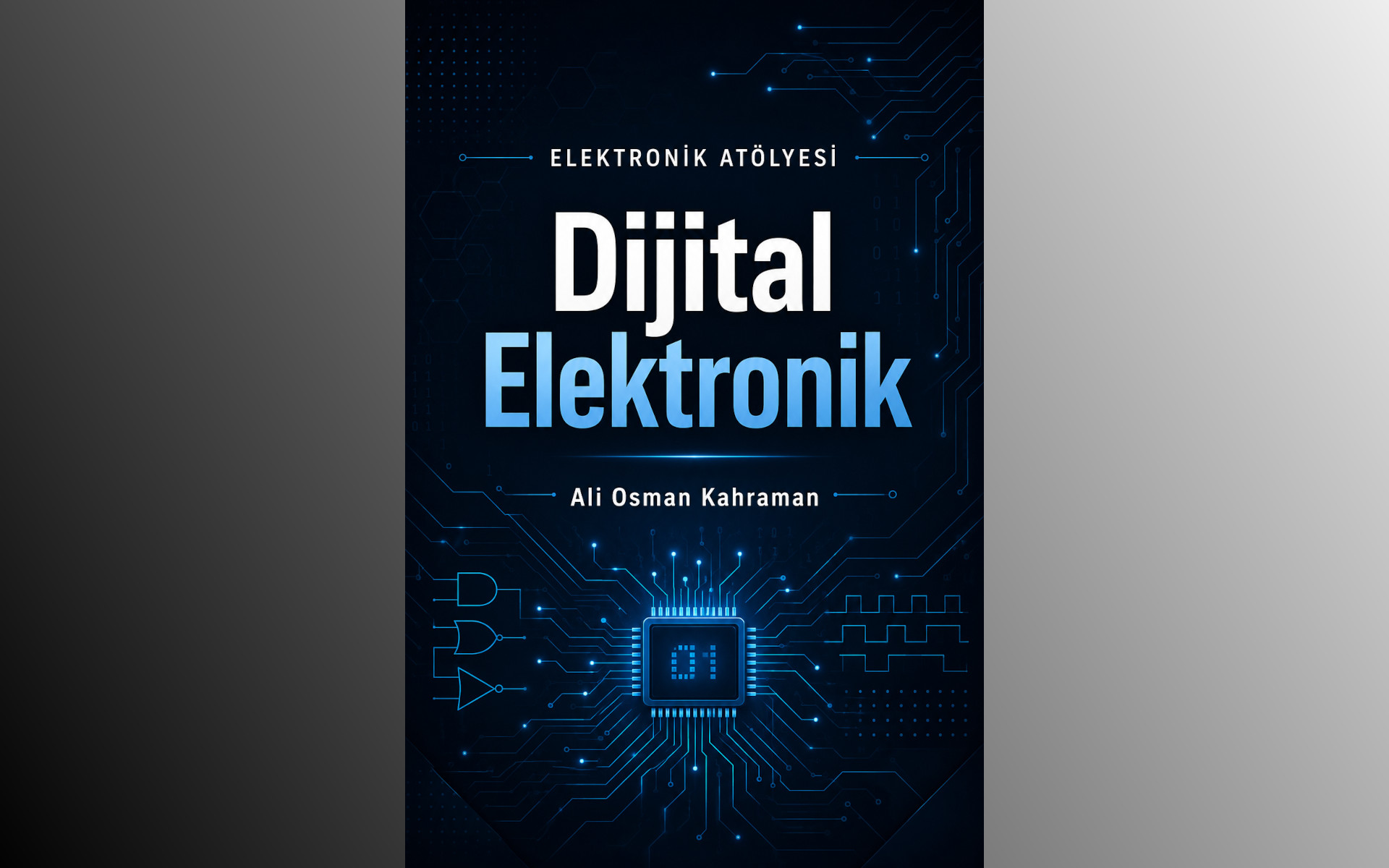
39A practical look at digital electronics, from logic gates and the 74HC595 to I2C, SPI and UART.
 40
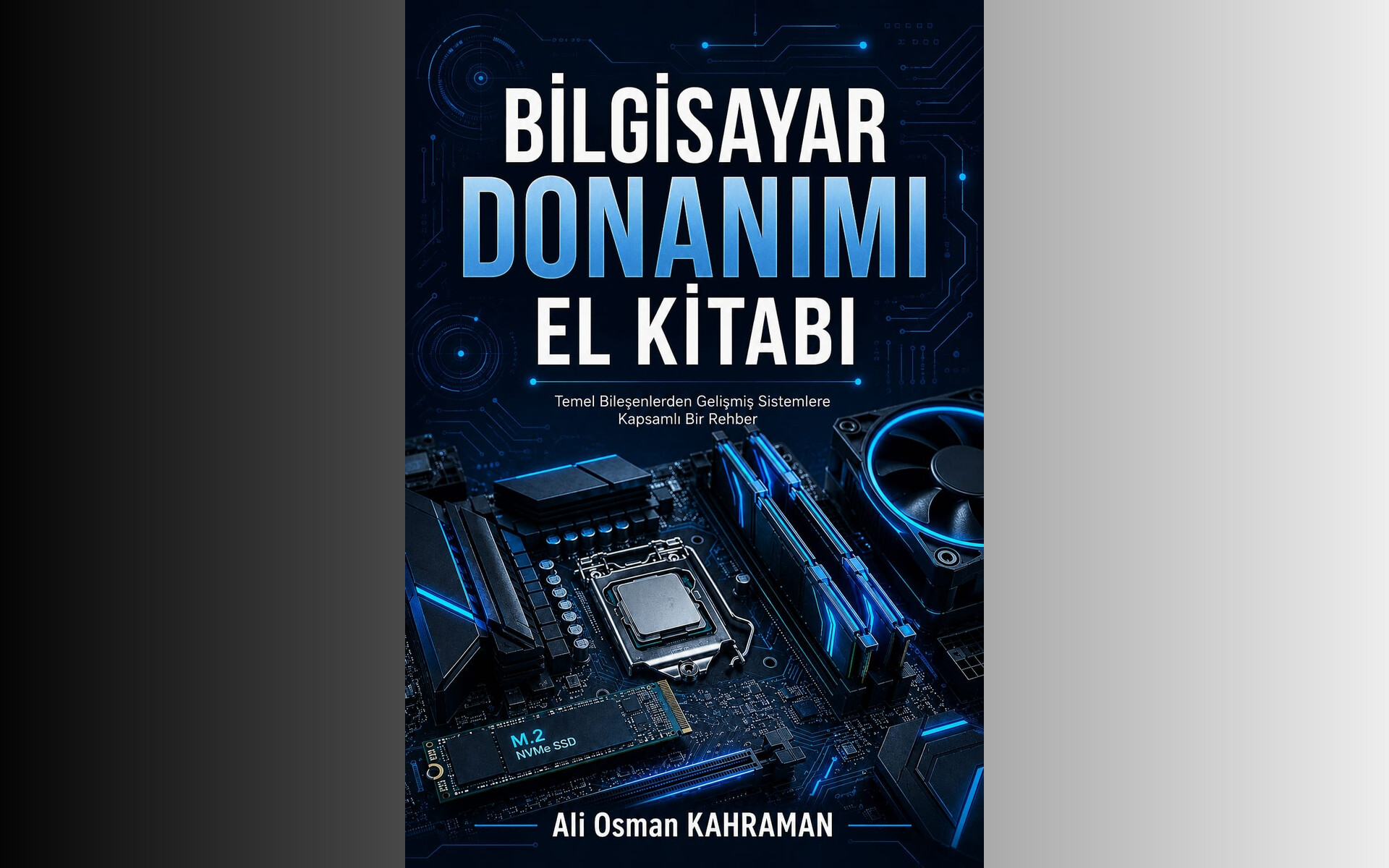
40For anyone who wants to build a PC, understand how the parts work together and track down hardware faults.