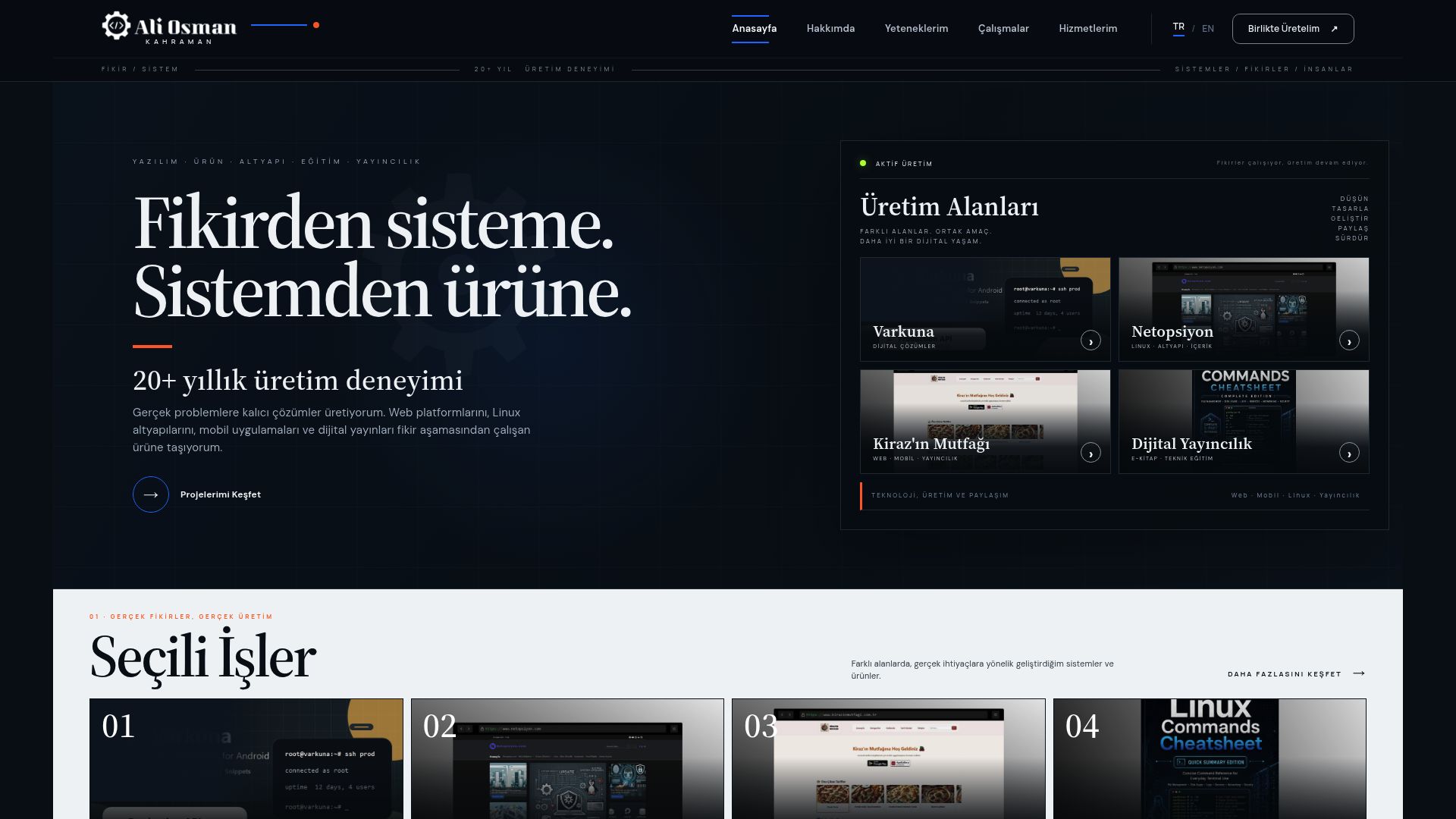
 01

Personal Website
This is where I share my software projects, books and courses, along with the work in progress and ways to get in touch.
Real, working products spanning web platforms, mobile applications, education and digital publishing.
IDEA · DESIGN · DEVELOPMENT · RELEASELiving products and platforms that bring different disciplines together in one working result.
Choose a category and explore related projects, products, courses and publications.
01This is where I share my software projects, books and courses, along with the work in progress and ways to get in touch.
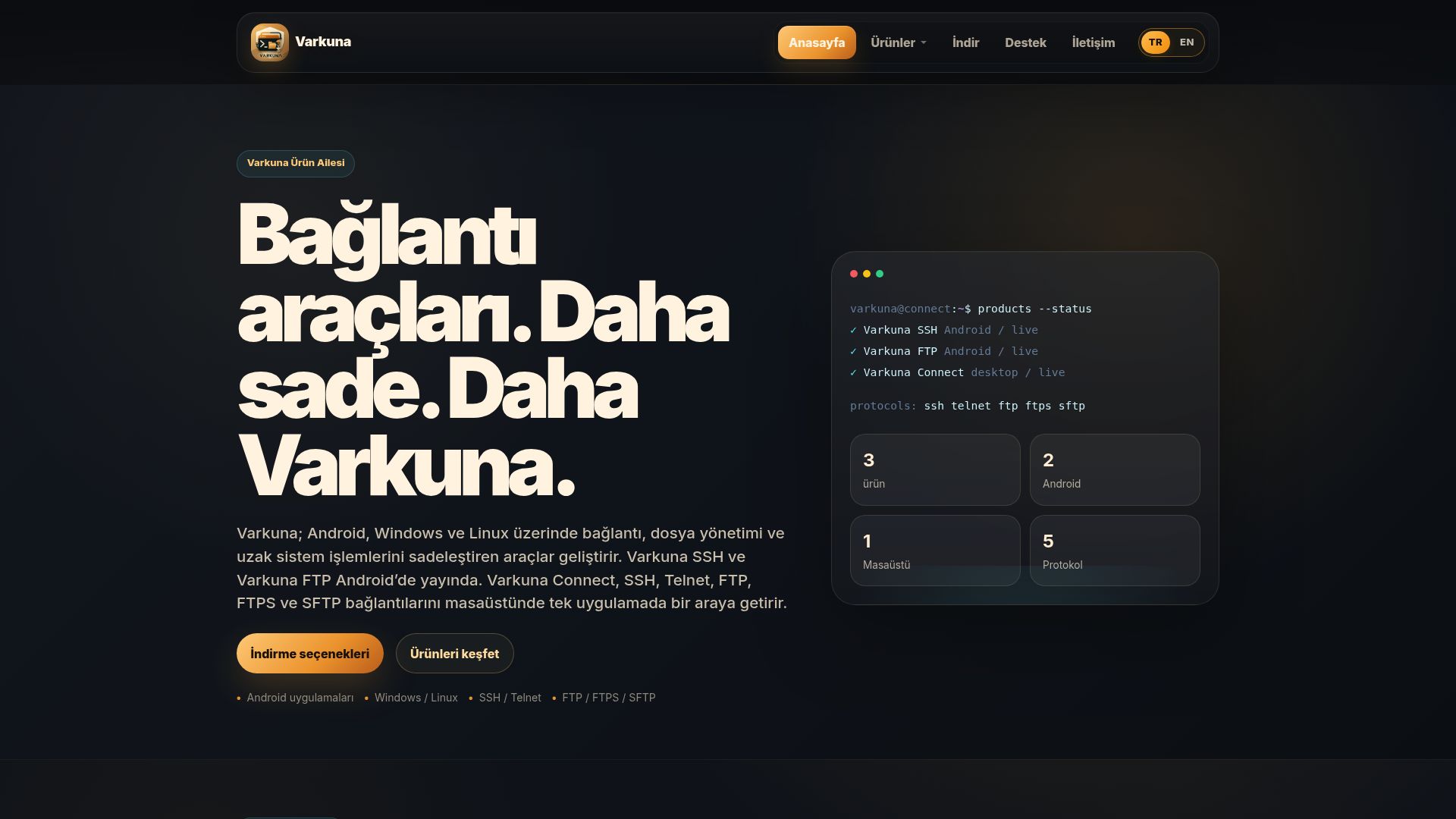 02

The home of my server and file management applications, with Varkuna product information, downloads and help.
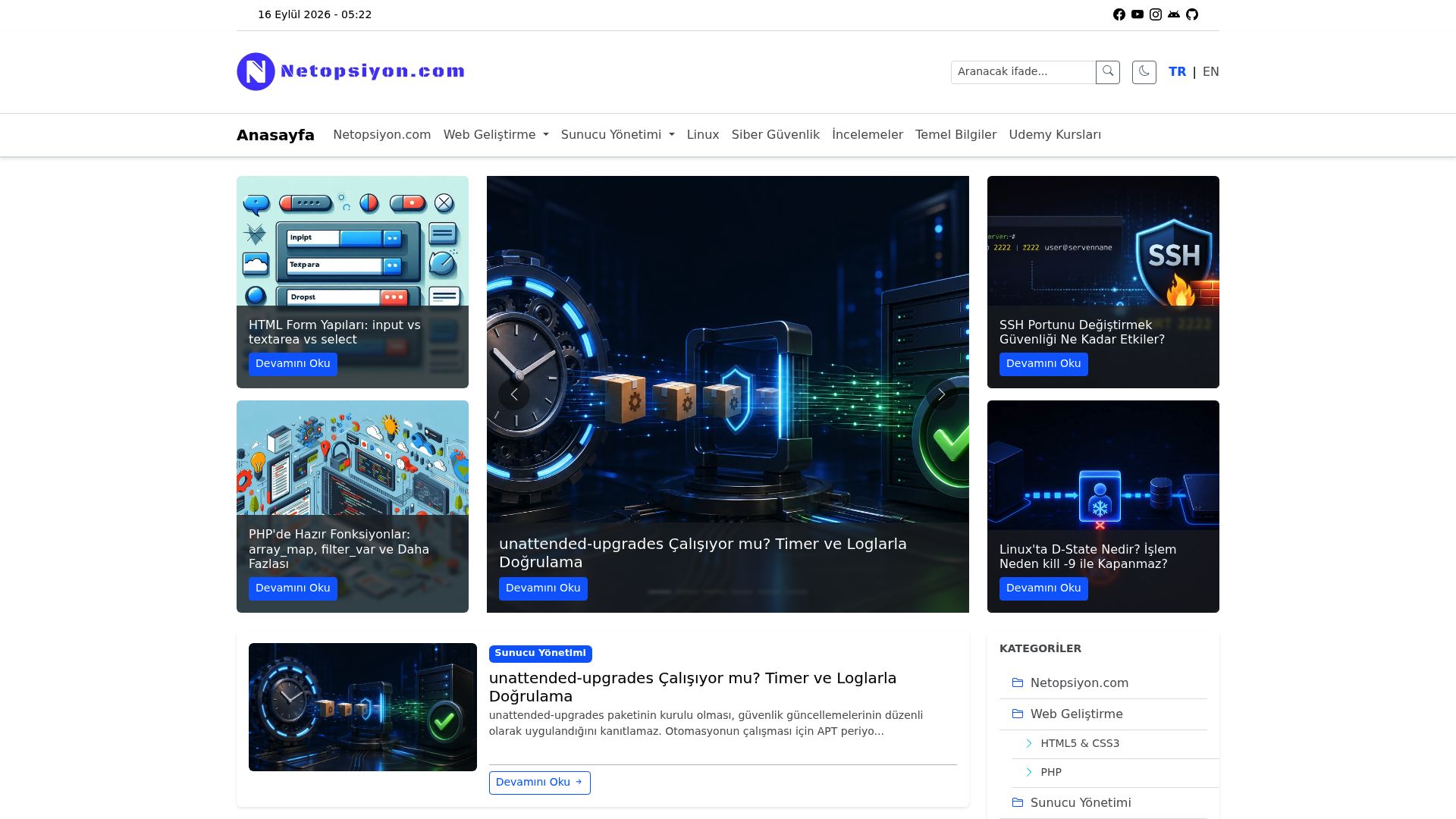 03

I write about PHP, Linux and server administration, including the problems I encounter in my work and how I solve them.
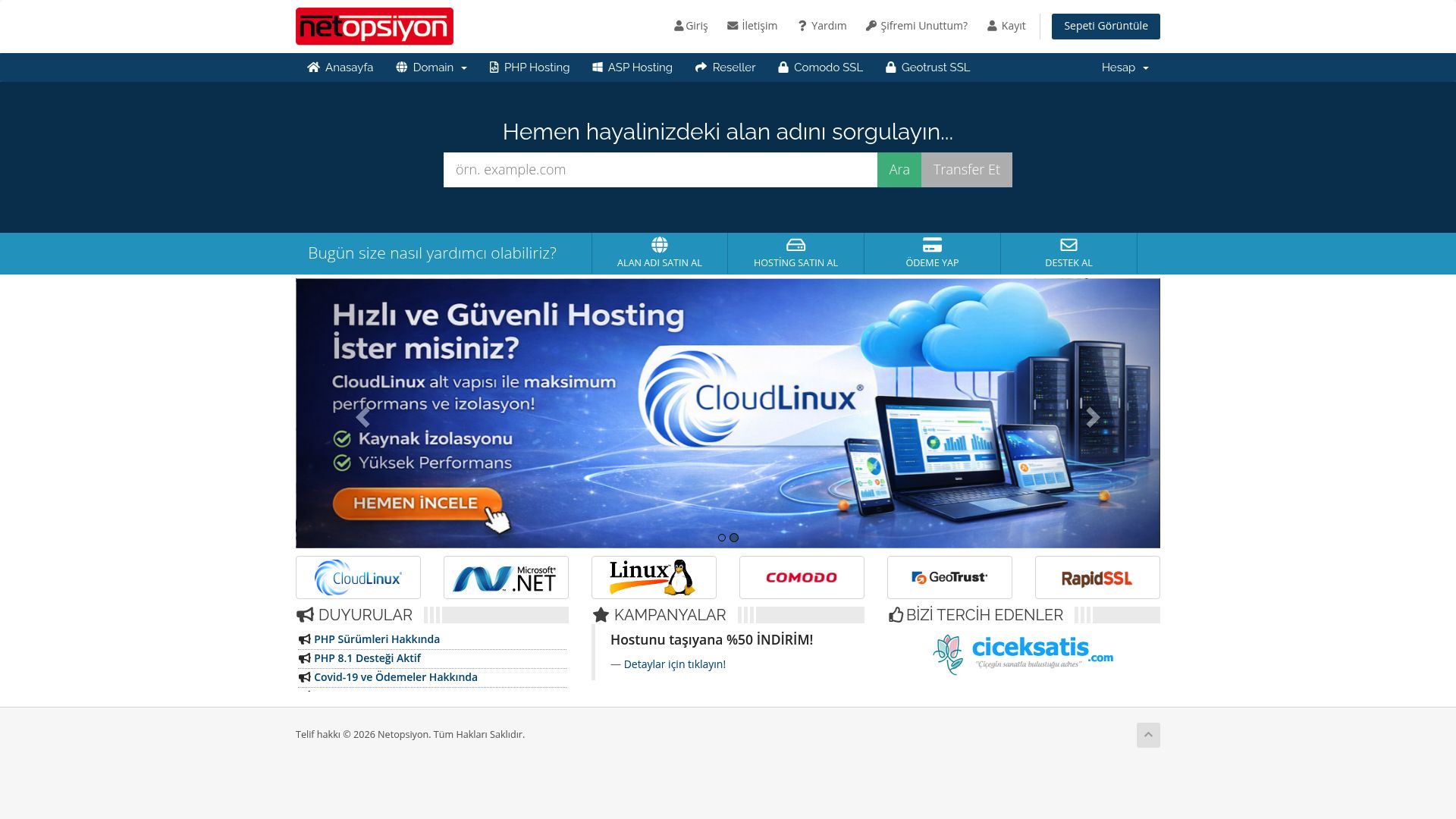 04

The website for our domain and hosting services at Netopsiyon, with plans, infrastructure information and service management.
 05

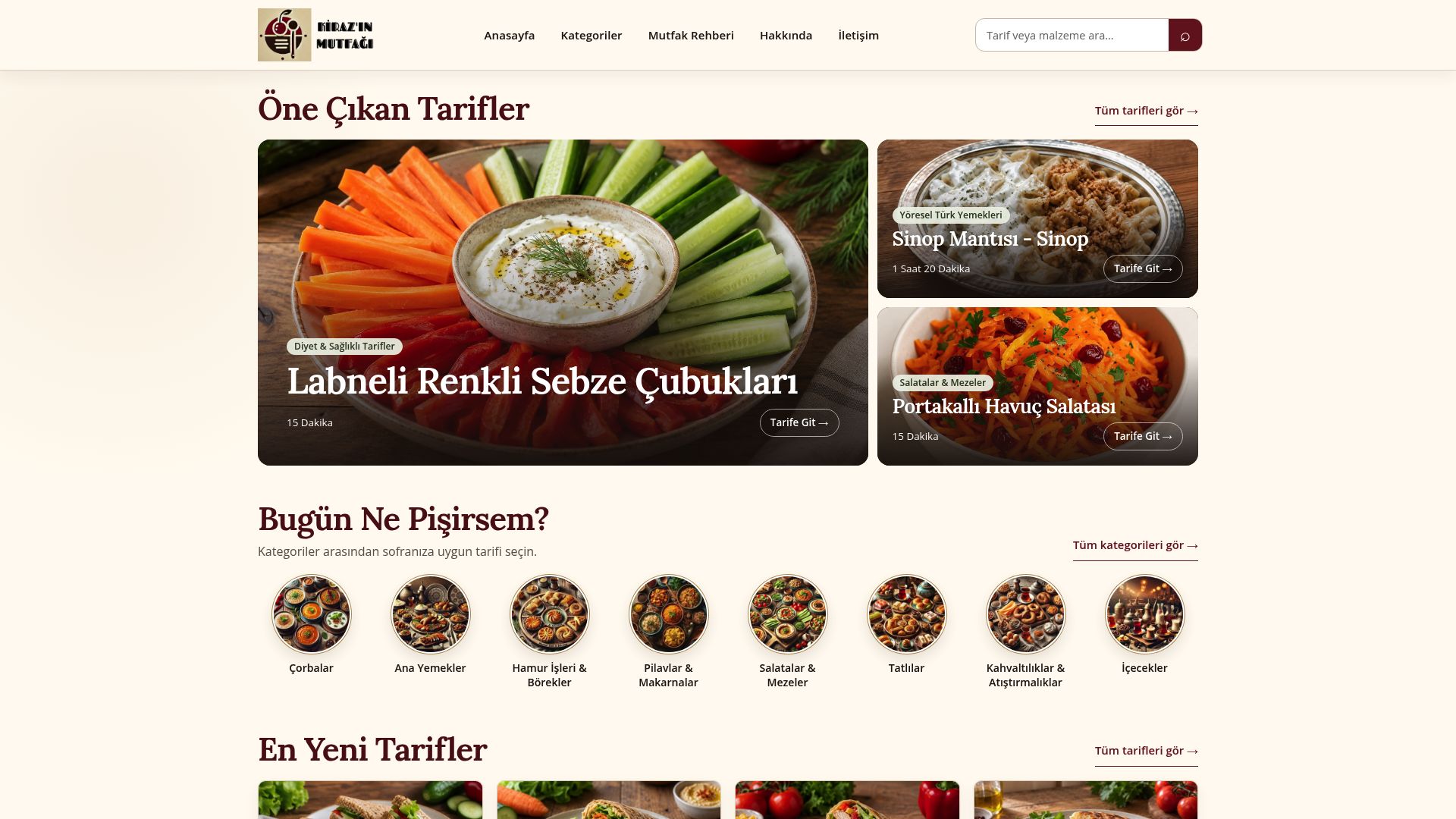
I share recipes and cooking information through Kiraz’s Kitchen. The website, mobile app and recipe book are parts of the same project.
 06

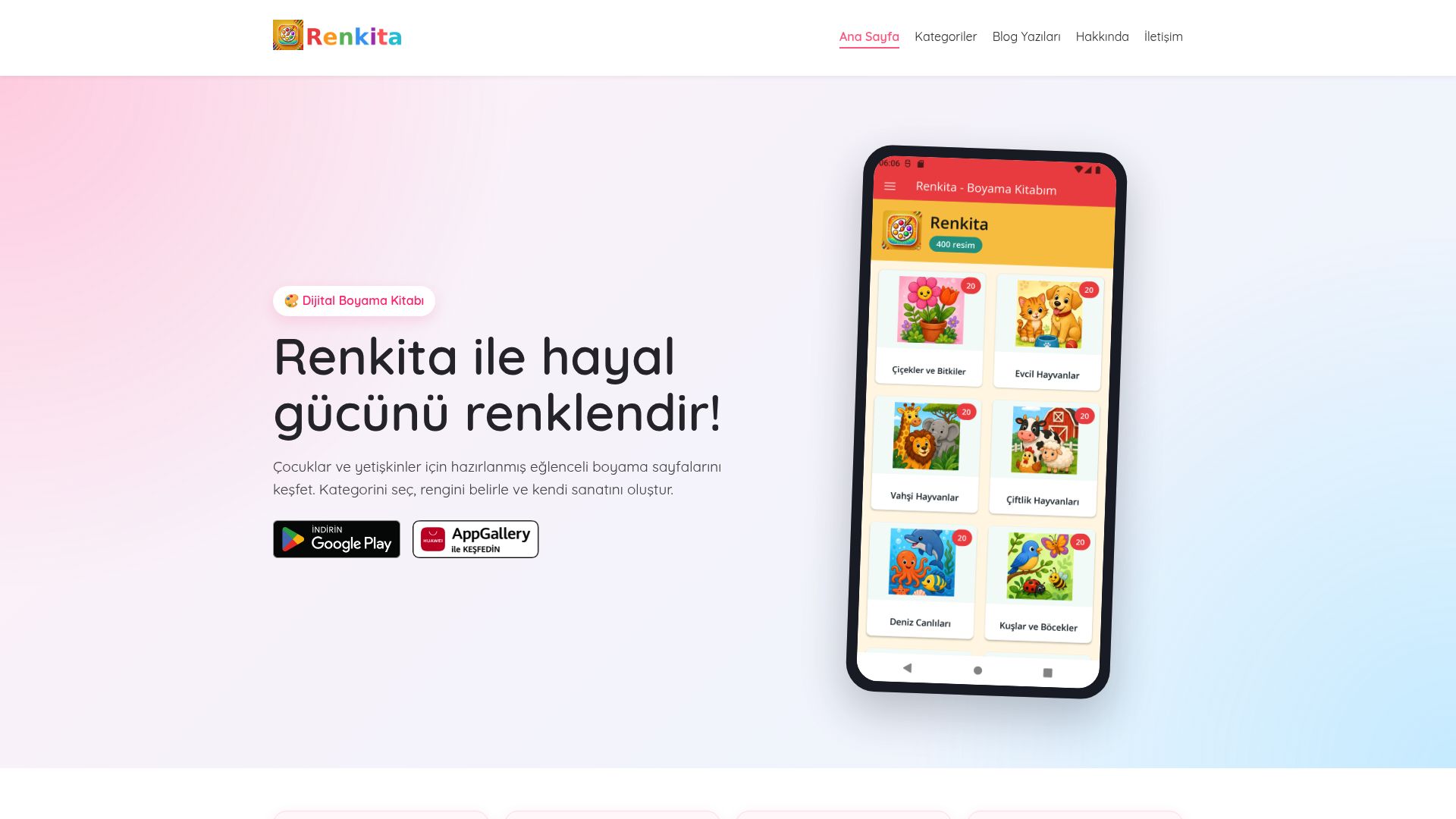
This website introduces my Renkita coloring app, with a look at its drawings and how to use it.
 07

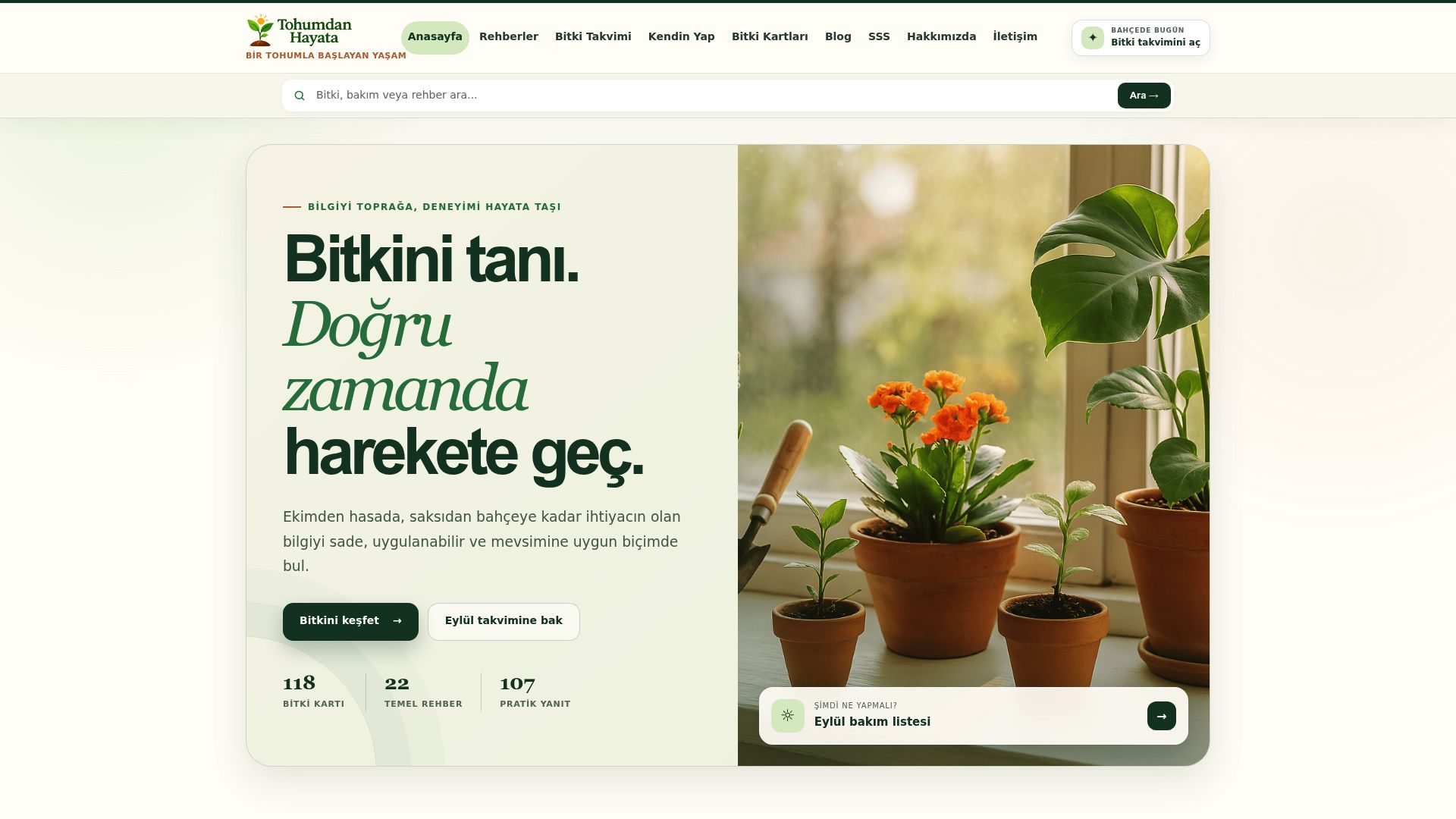
I share information about identifying, caring for and growing plants on this website.
 08

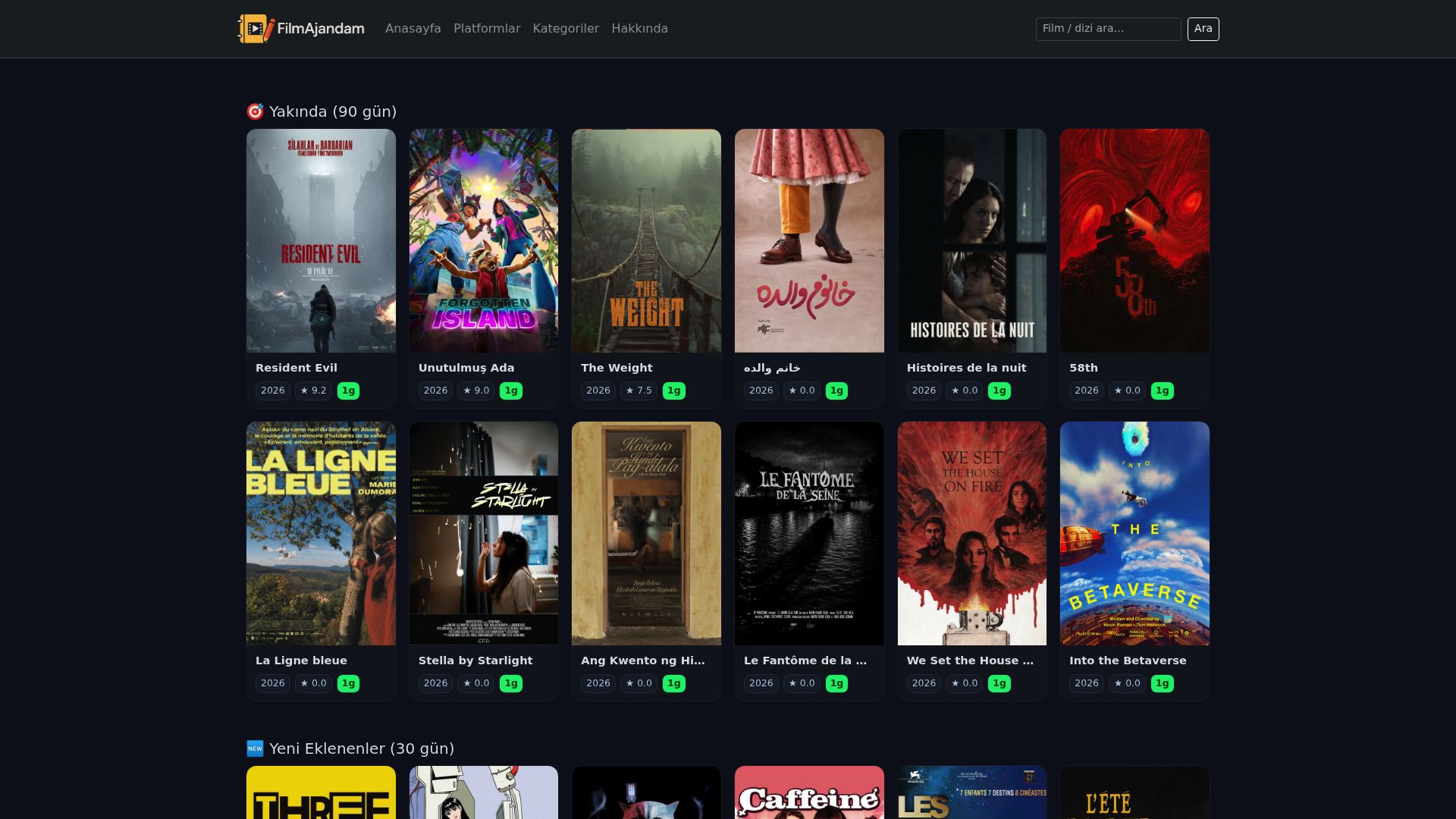
My film project brings together movie information, cast details and viewing notes as a resource for choosing what to watch.
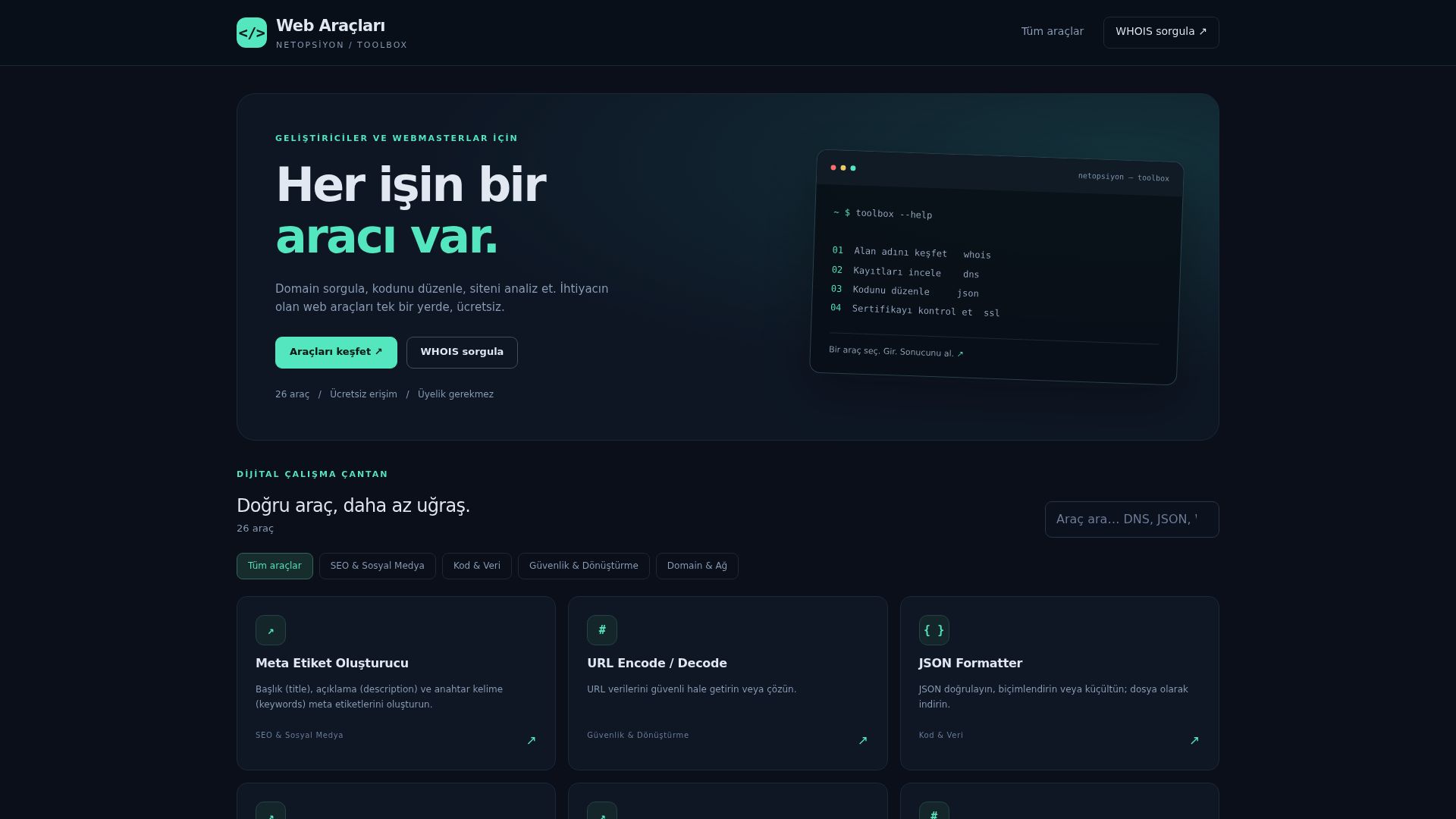 09

I brought together tools for everyday web checks in one place, accessible directly from a browser.
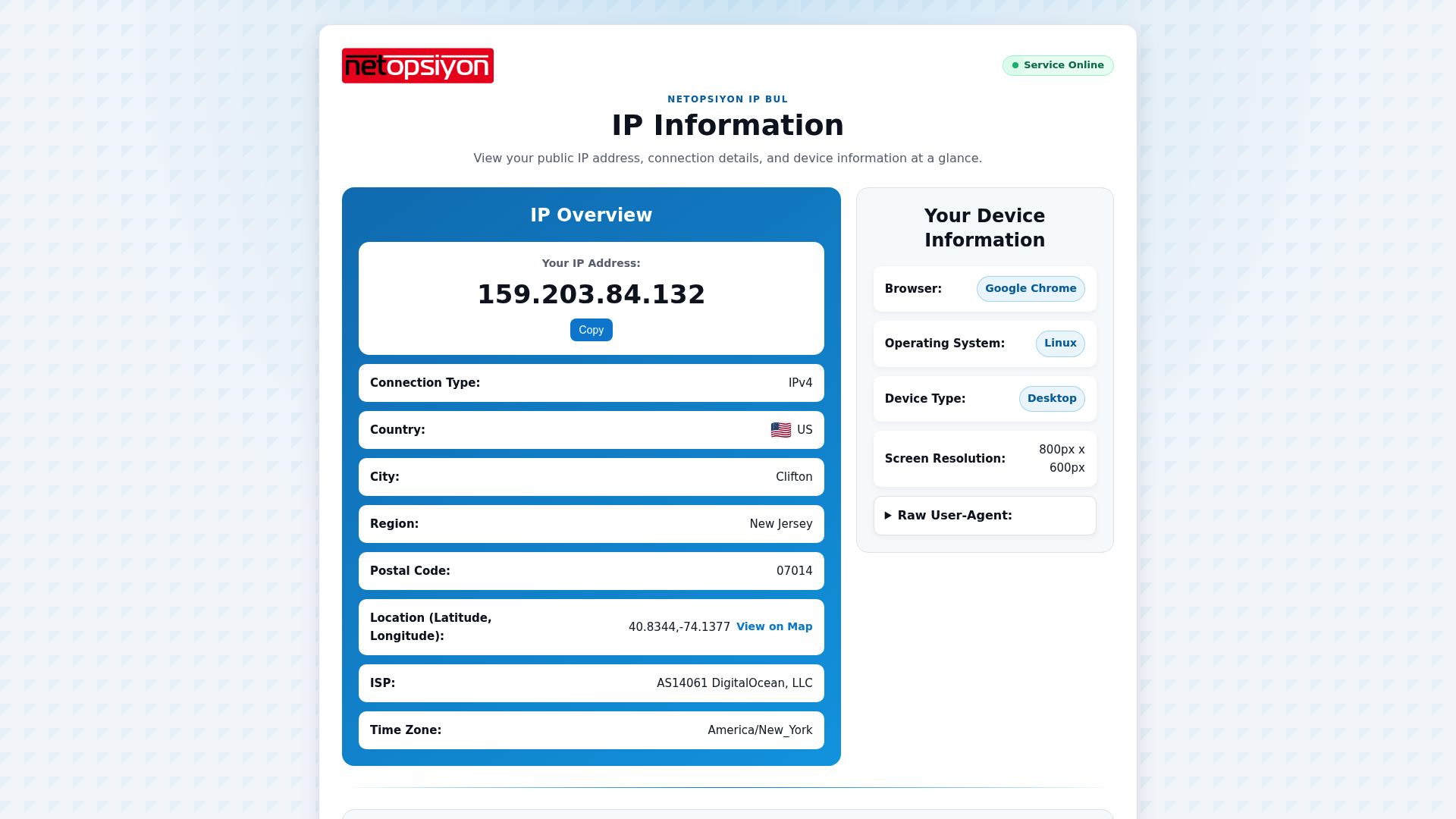 10
I built a web tool that displays the IP address and connection details of the network you are using.
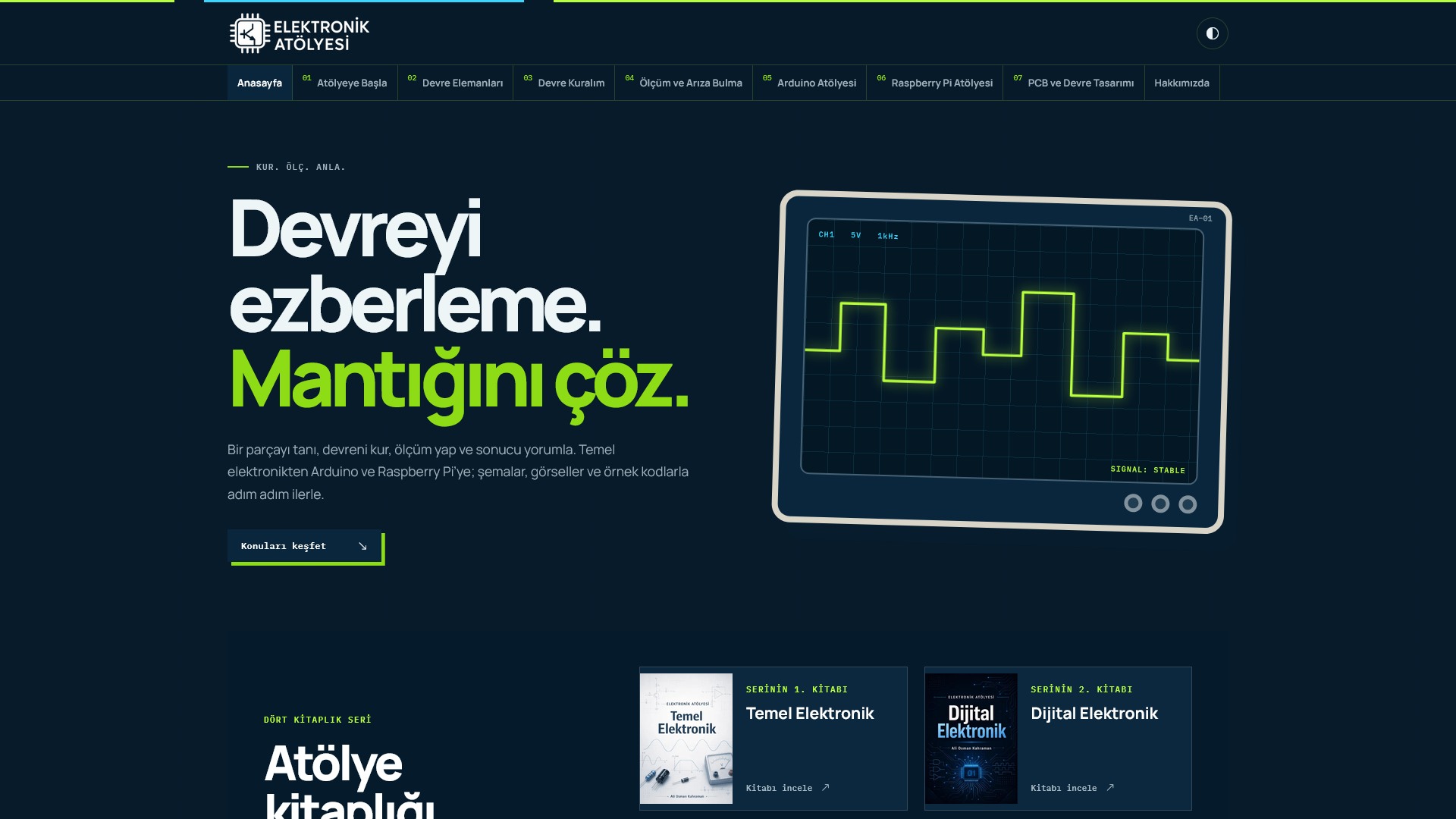 11

I share hands-on tutorials on electronic circuits, Arduino and Raspberry Pi.
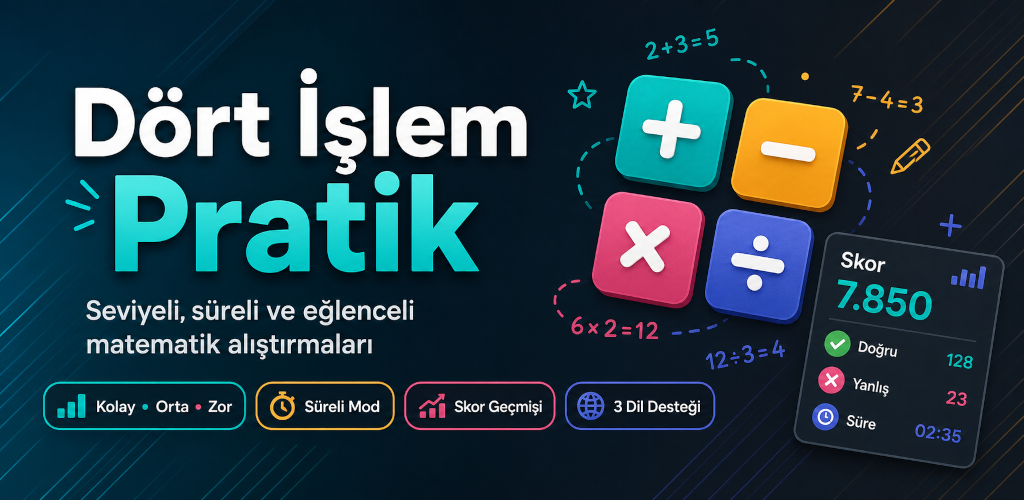 12

I built a mathematics app for practicing addition, subtraction, multiplication and division.
 13

I brought the familiar paper-and-pencil games XOX and SOS to a mobile app.
 14
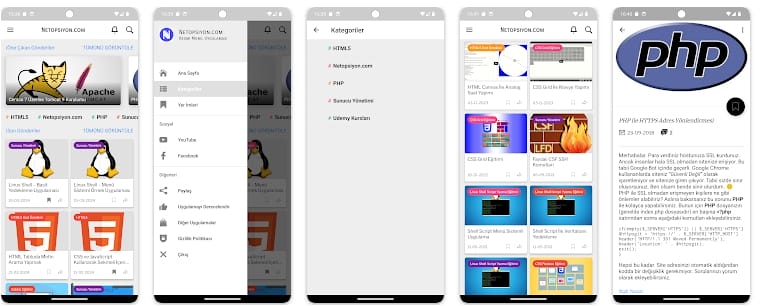
The Android app I developed for accessing and reading the articles I publish on Netopsiyon.
 15
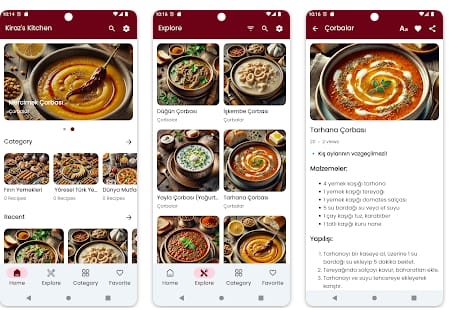
I brought Kiraz’s Kitchen recipes to Android, making the website’s recipes accessible through a mobile app.
 16
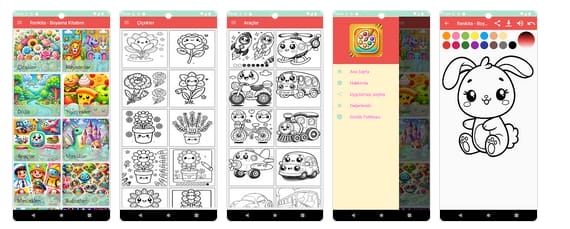
I developed Renkita for children and adults to color drawings on their phones, choosing colors and filling in the artwork.
 17
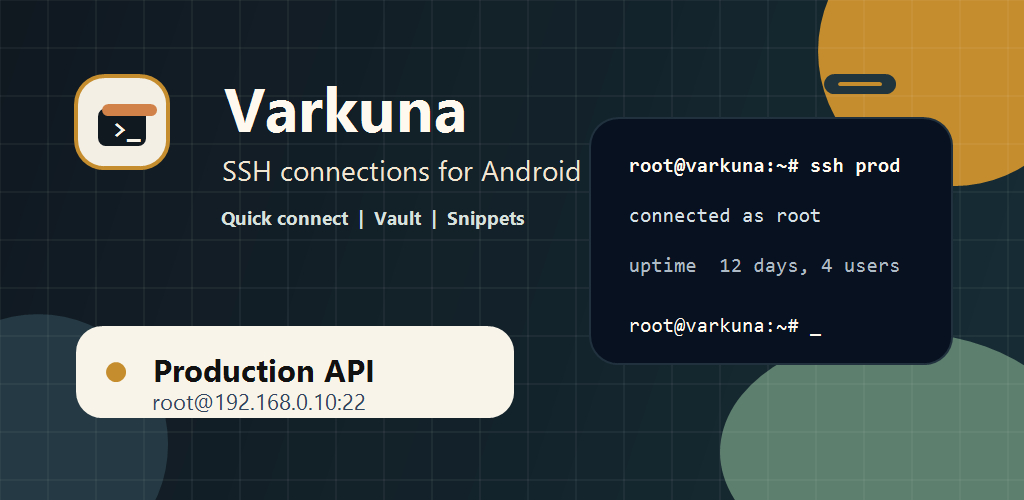
An app I developed for connecting to servers over SSH, working in the terminal and accessing frequently used commands from a phone.
 18
An app I developed for transferring files between a phone and a server, with support for FTP, FTPS and SFTP.
 19

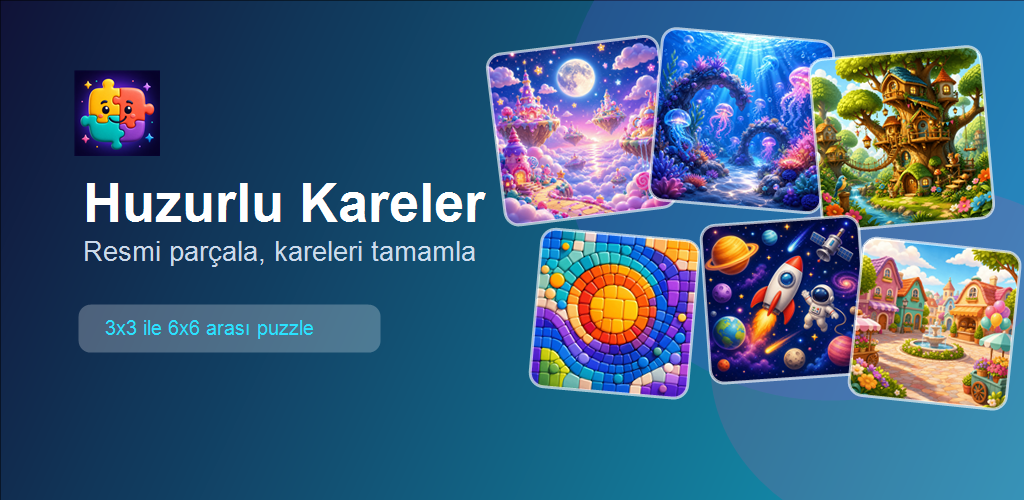
I developed a puzzle game based on fitting colorful pieces together, with a focus on a calm playing experience.
 20
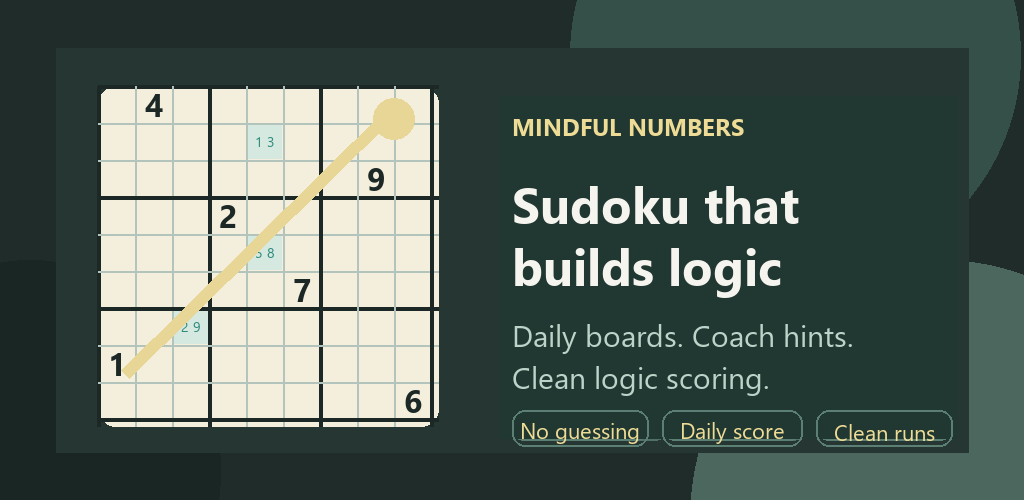
A mobile game I developed for solving Sudoku puzzles through logical reasoning.
 21

A puzzle game in which matching numbers merge into larger ones. Each move calls for thinking about both the numbers and the space left on the board.
 22
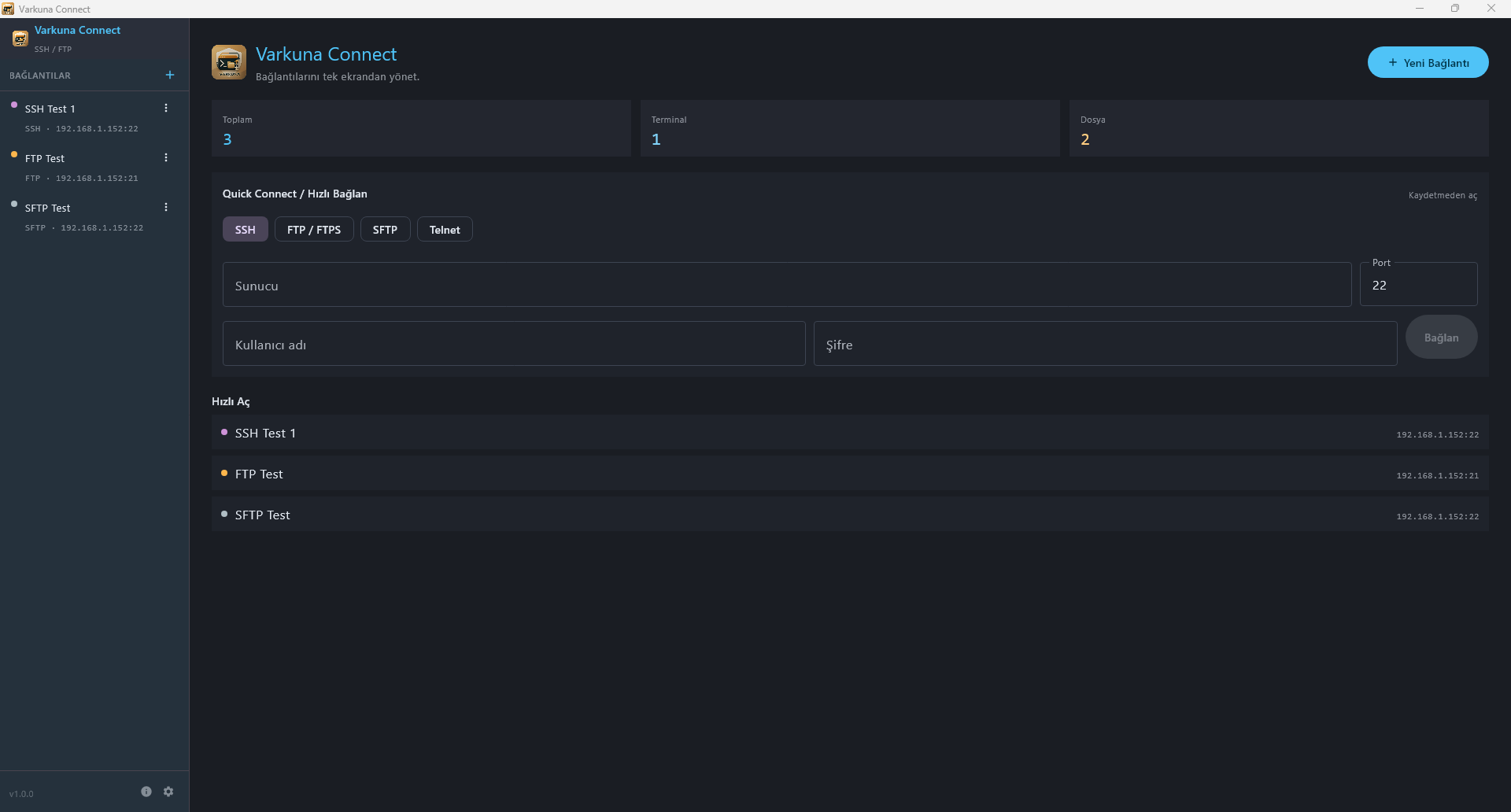
A desktop application I developed to keep server connections, terminal work and files in one window.
 23
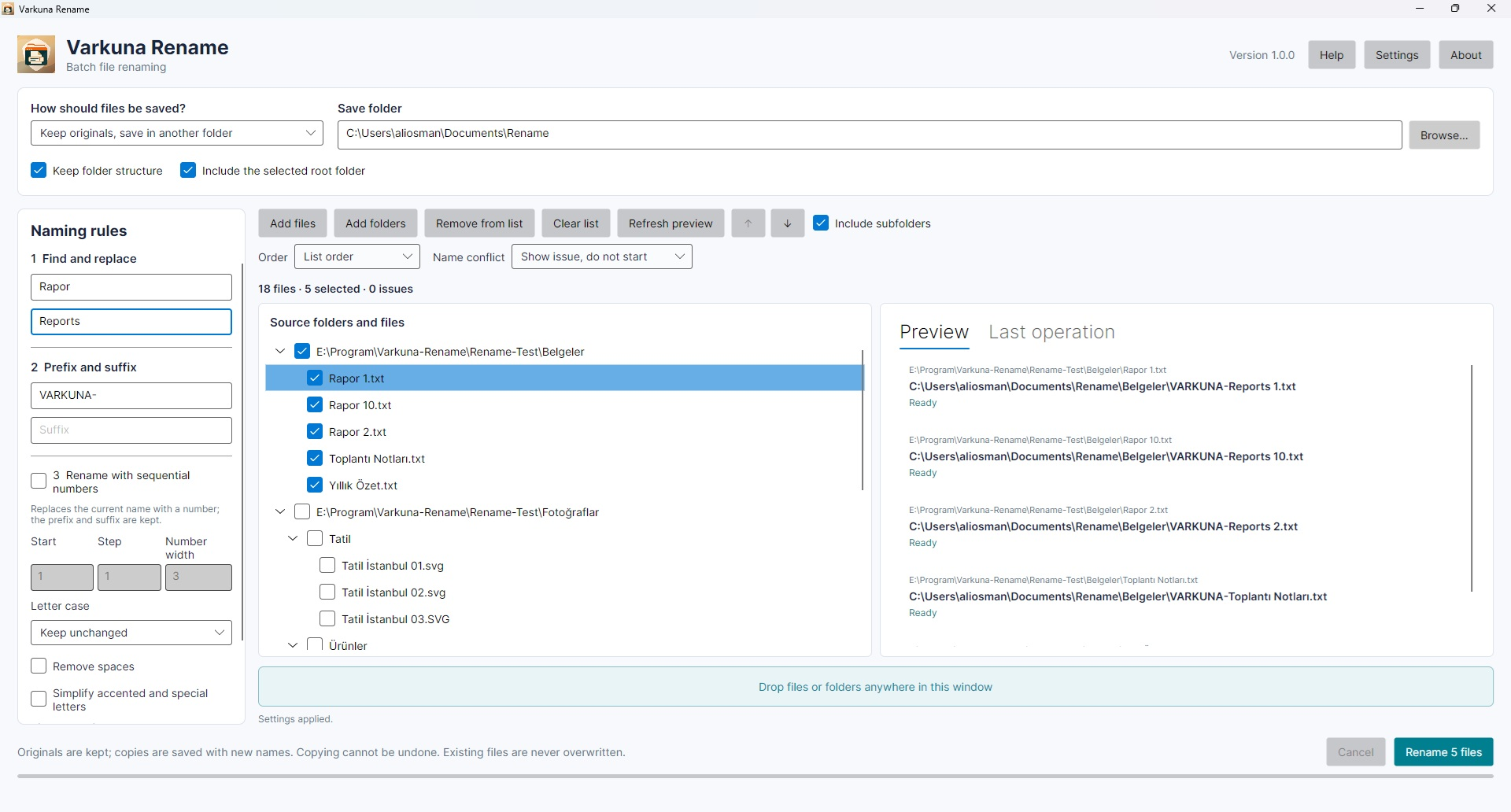
Rename files in batches and preview new names before applying changes. Rename the originals or keep them and create copies with new names.
 24

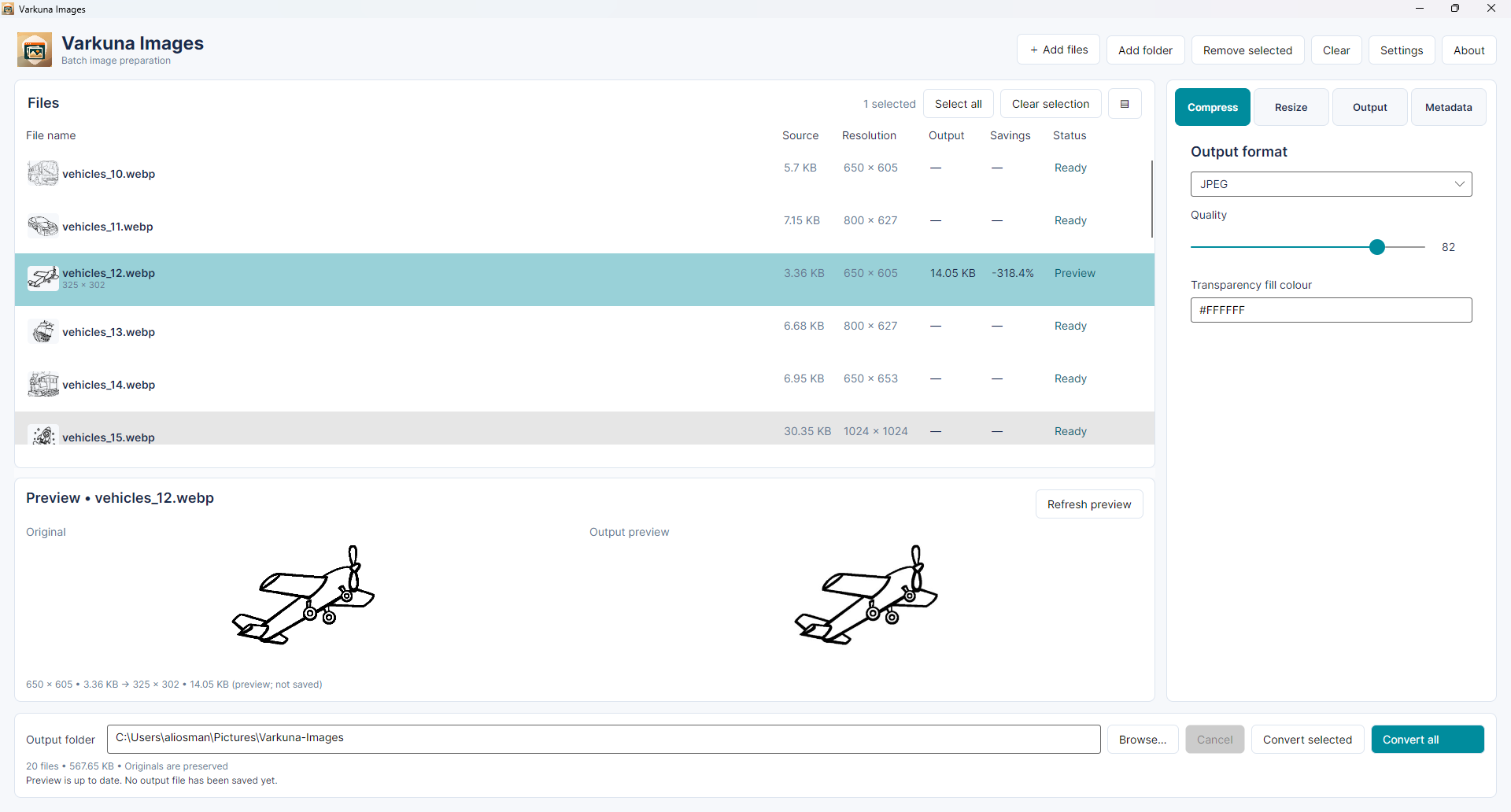
Convert and resize JPEG, PNG, WebP and AVIF images in batches. Adjust output quality and edit metadata; processed images are saved separately, keeping the originals intact.
 25

I explain HTML tags and web page structure through examples, focusing on building pages with HTML and HTML5.
 26
I explain how to use CSS to style web pages and adapt their layouts to different screens.
 27
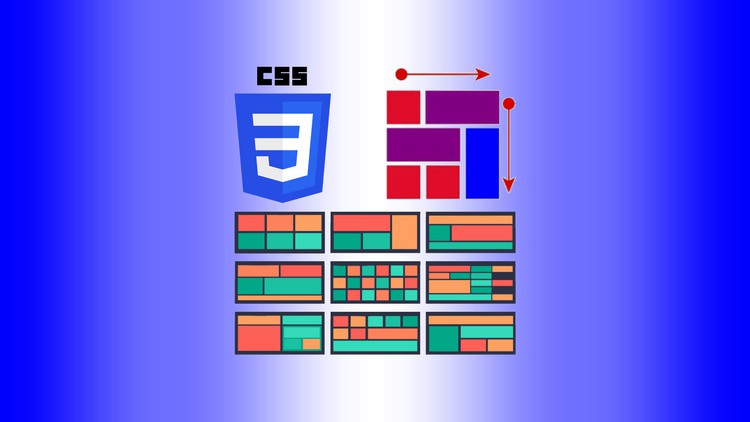
I explain rows, columns and page layouts in CSS Grid through examples.
 28
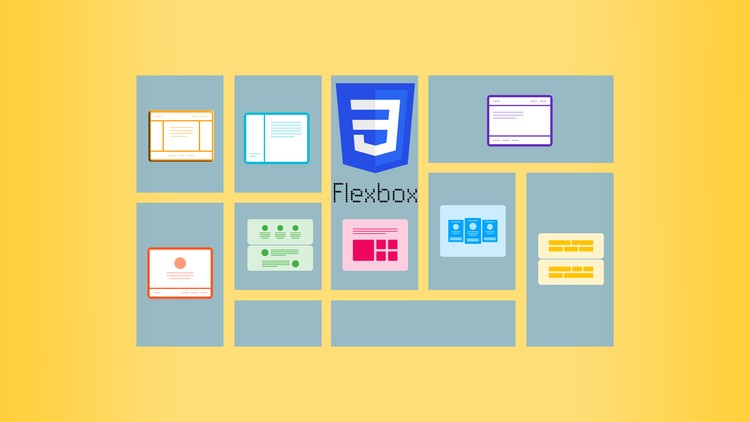
I use examples to explain how Flexbox aligns and orders elements and distributes space between them.
 29
I explain editing files in the terminal with vi and Vim, focusing on their commands and how the editors work.
 30
I explain writing shell scripts to automate repetitive Linux tasks and how to combine commands in a script.
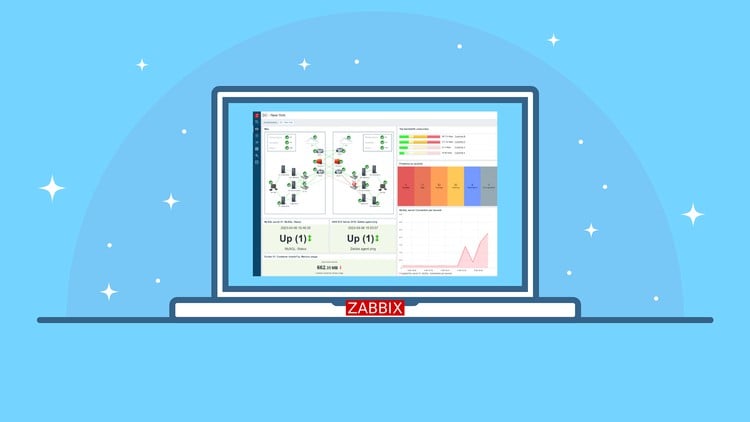 31
I walk through the Zabbix installation process, covering the steps needed to set up a server monitoring system.
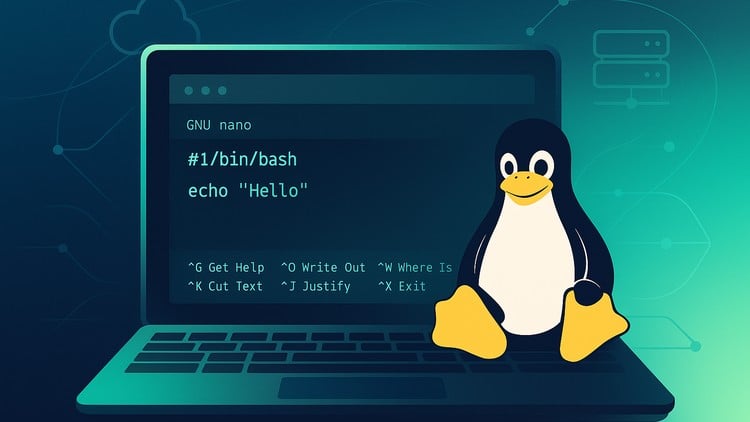 32
I explain opening, editing and saving files with nano, focusing on the essentials of everyday use.
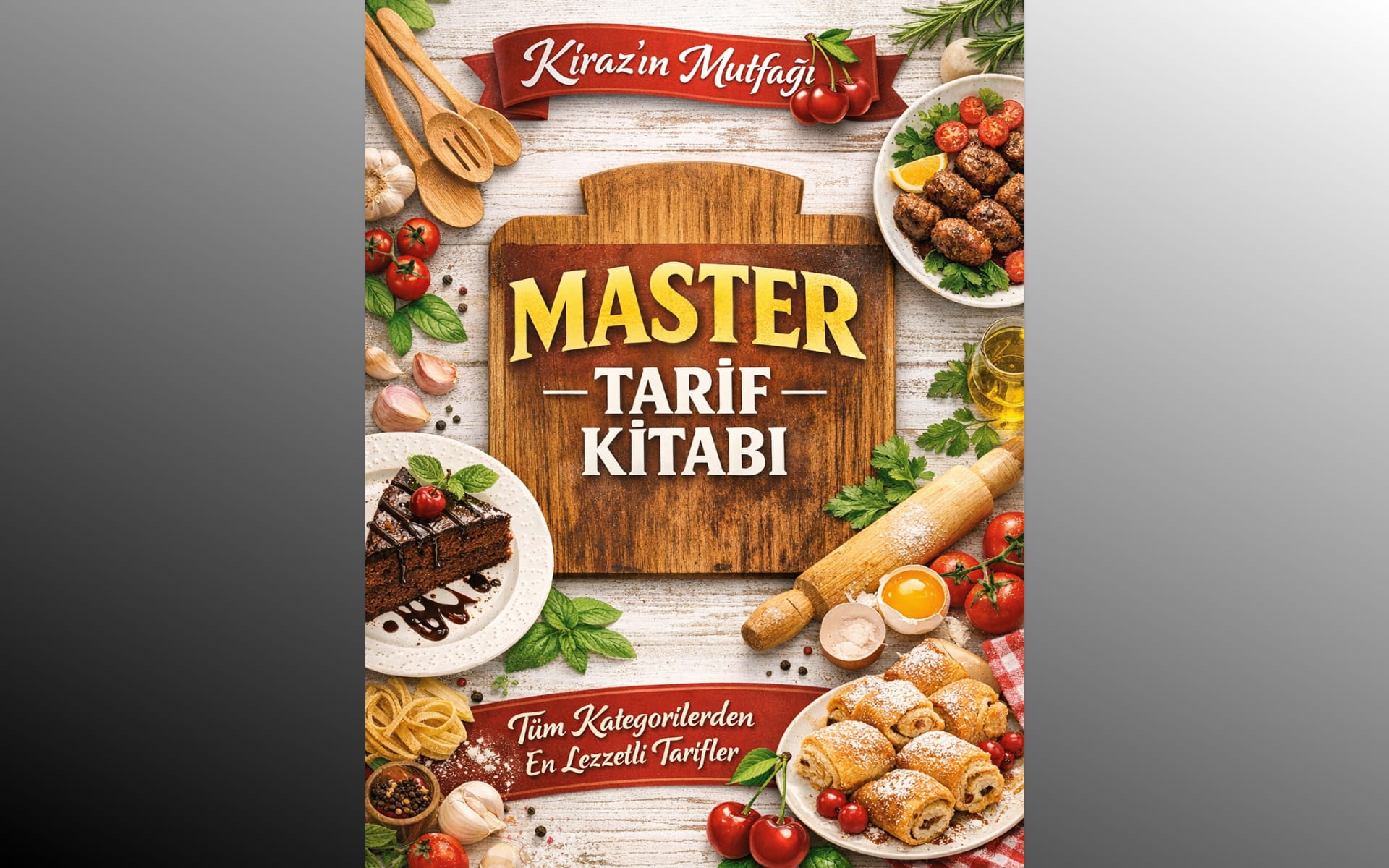 33

I also prepared Kiraz’s Kitchen recipes as a book, offering another way to access them alongside the website and mobile app.
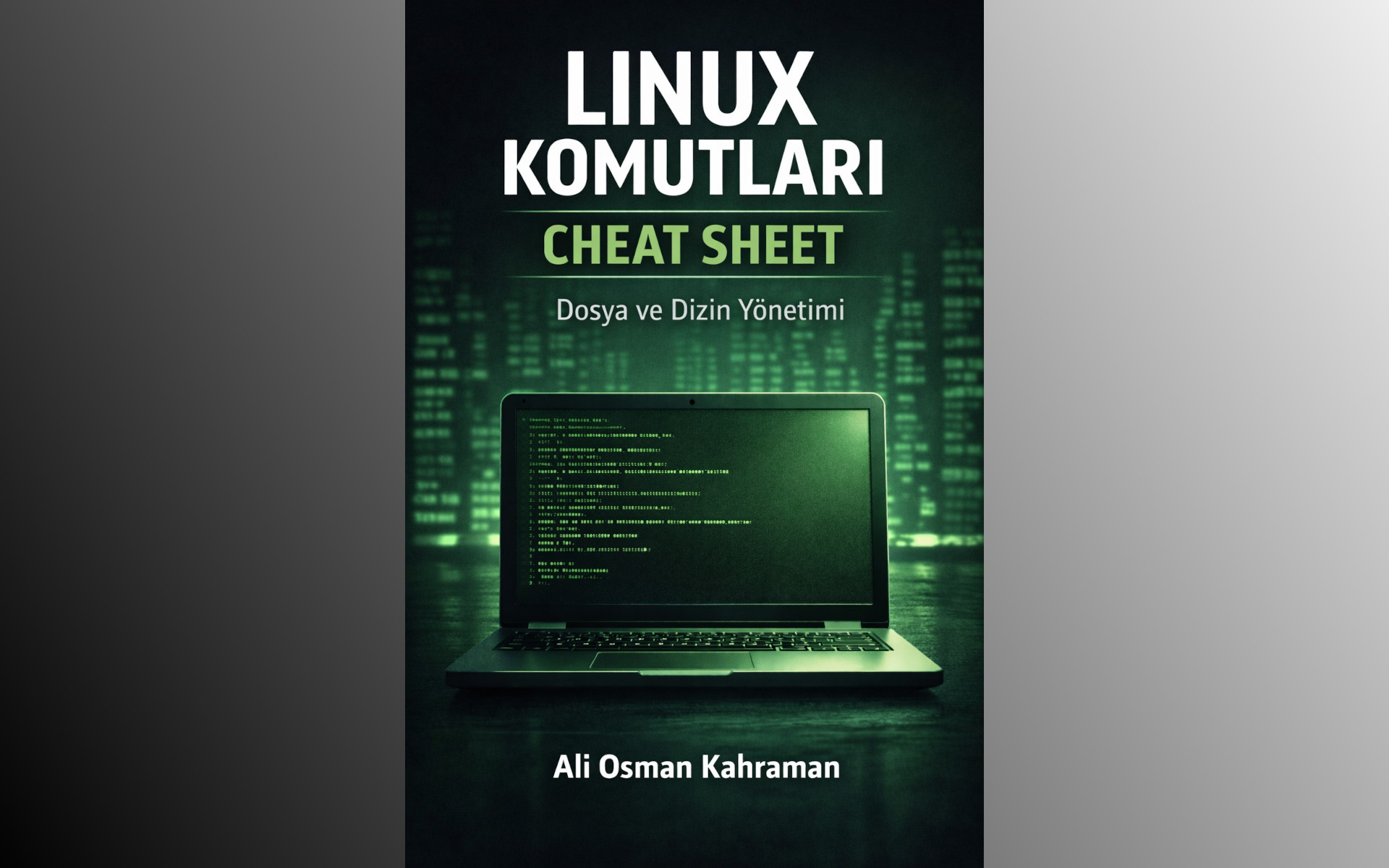 34
I collected Linux commands for working with files and directories in this book.
 35
I cover Linux commands for checking disk space, system status and resource usage.
 36
I cover the commands used to manage Linux services and examine logs.
 37
I focus on Linux commands for checking network connections and ports.
 38
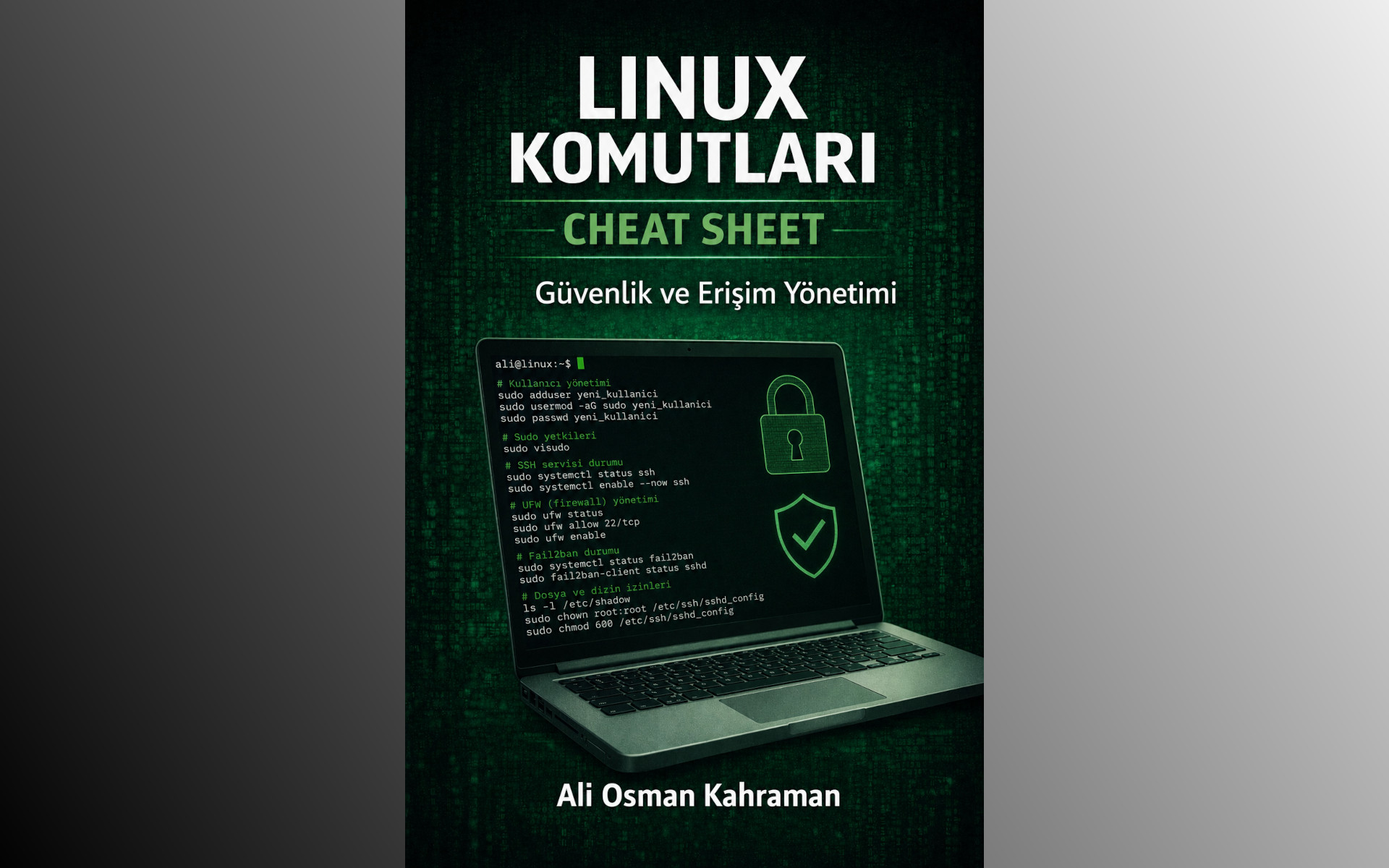
I collected commands for managing Linux users, file permissions and access.
 39
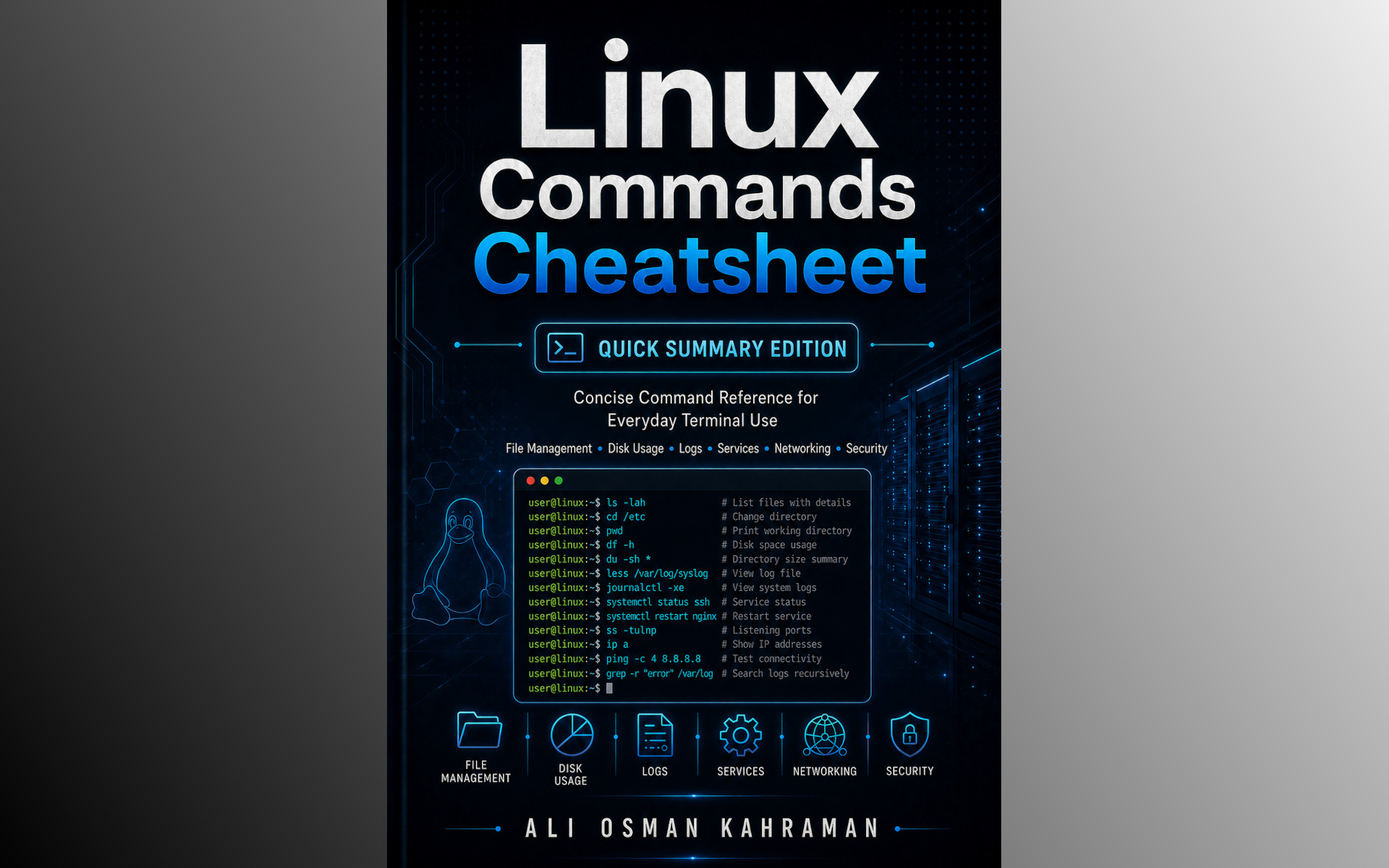
I prepared a concise English reference for quickly looking up how to use Linux commands.
 40
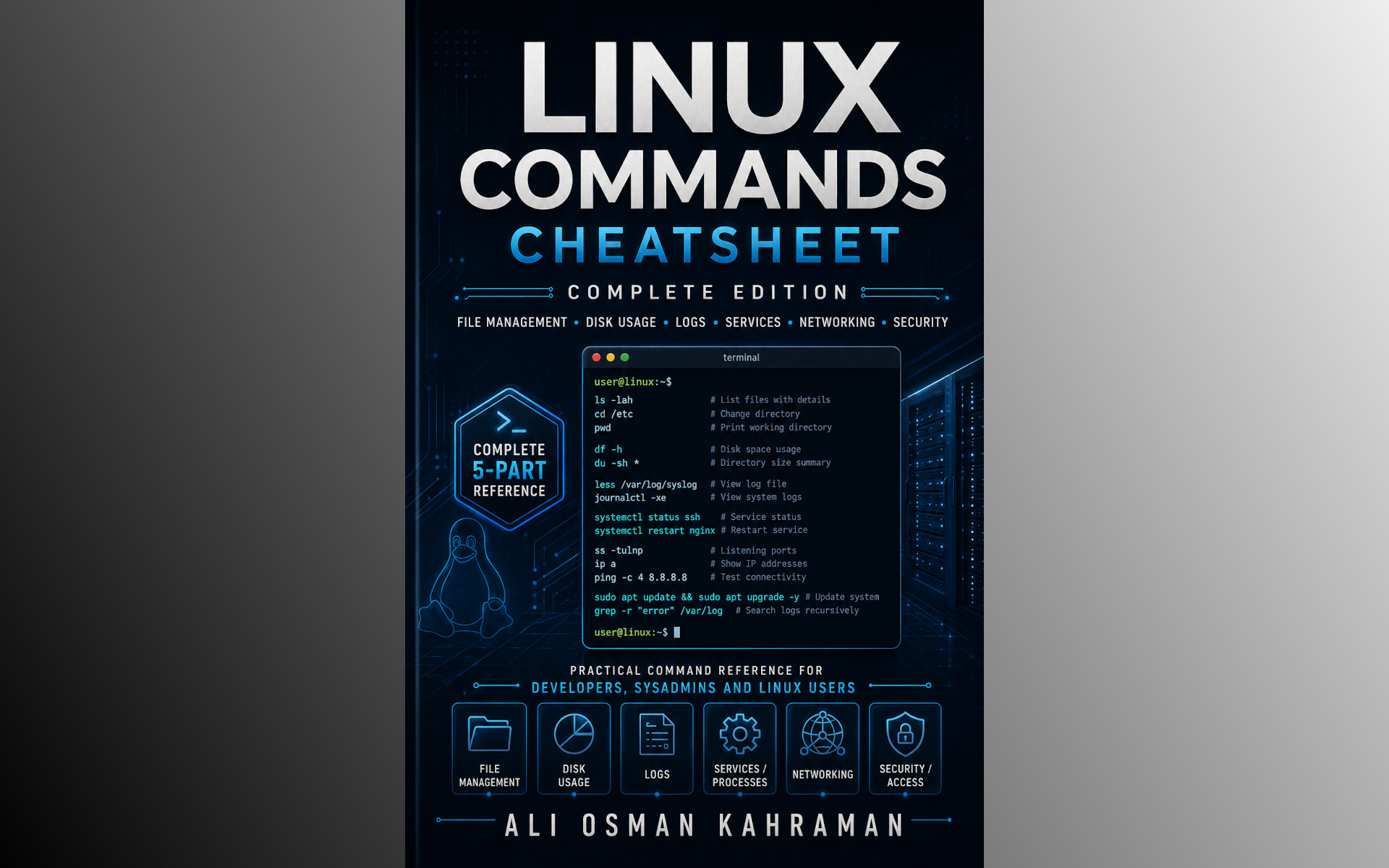
I collected Linux commands in a more extensive English reference, covering everyday terminal tasks and system administration.
 41
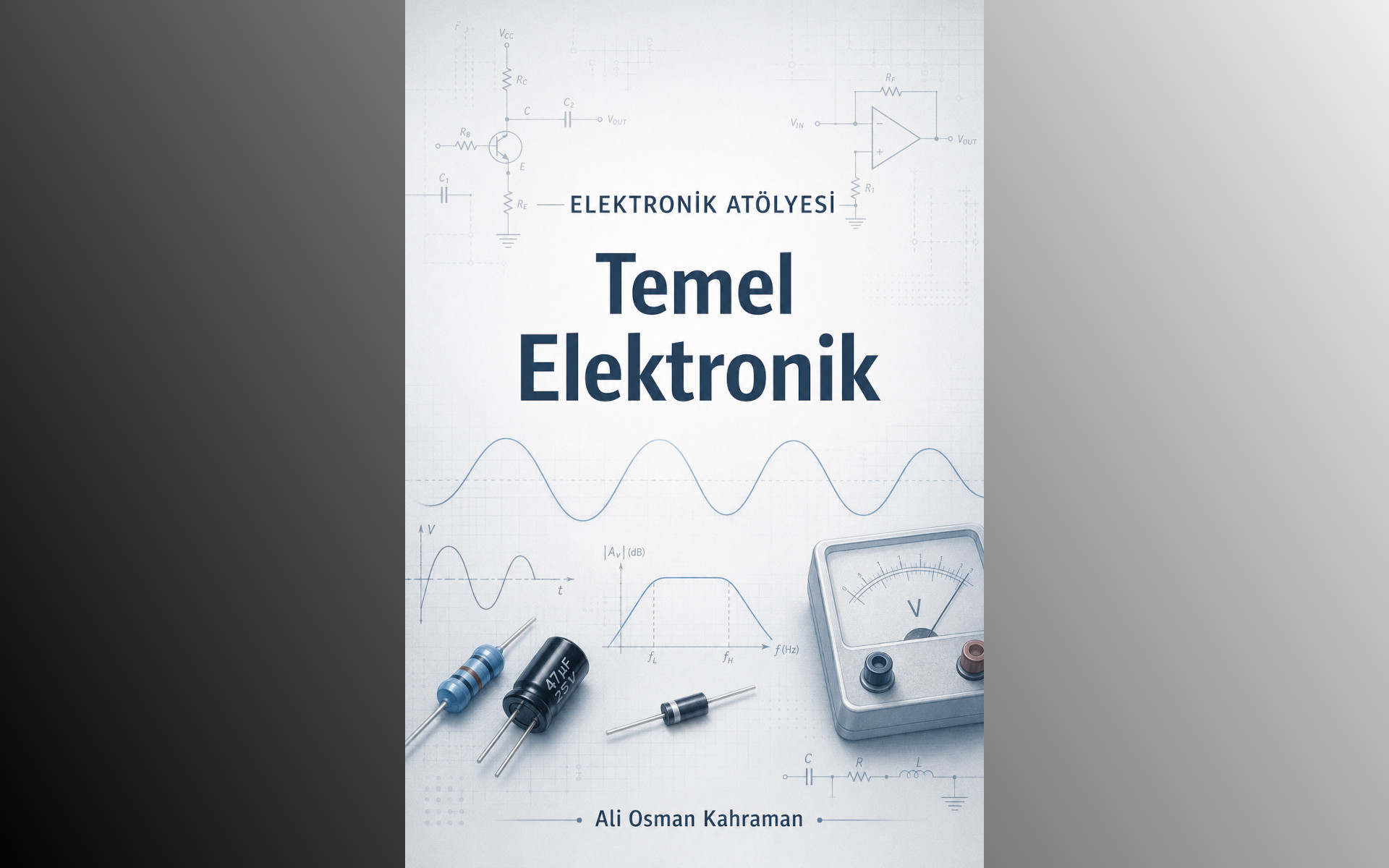
I explain basic electronics, from Ohm’s law to soldering, in the opening book of the Electronics Workshop series.
 42
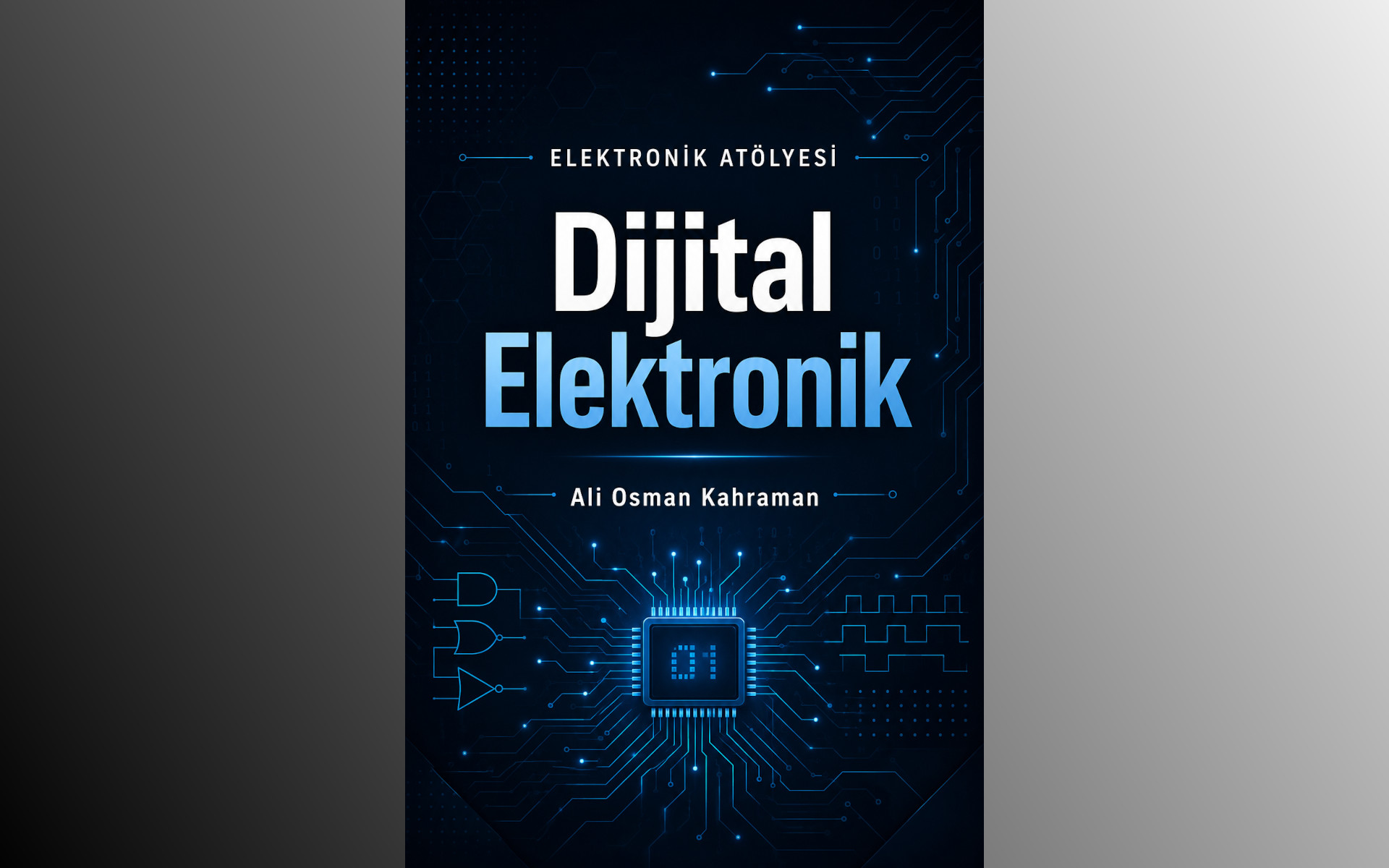
I cover logic gates, the 74HC595 and I2C, SPI and UART communication in the digital electronics volume of the Electronics Workshop series.
 43
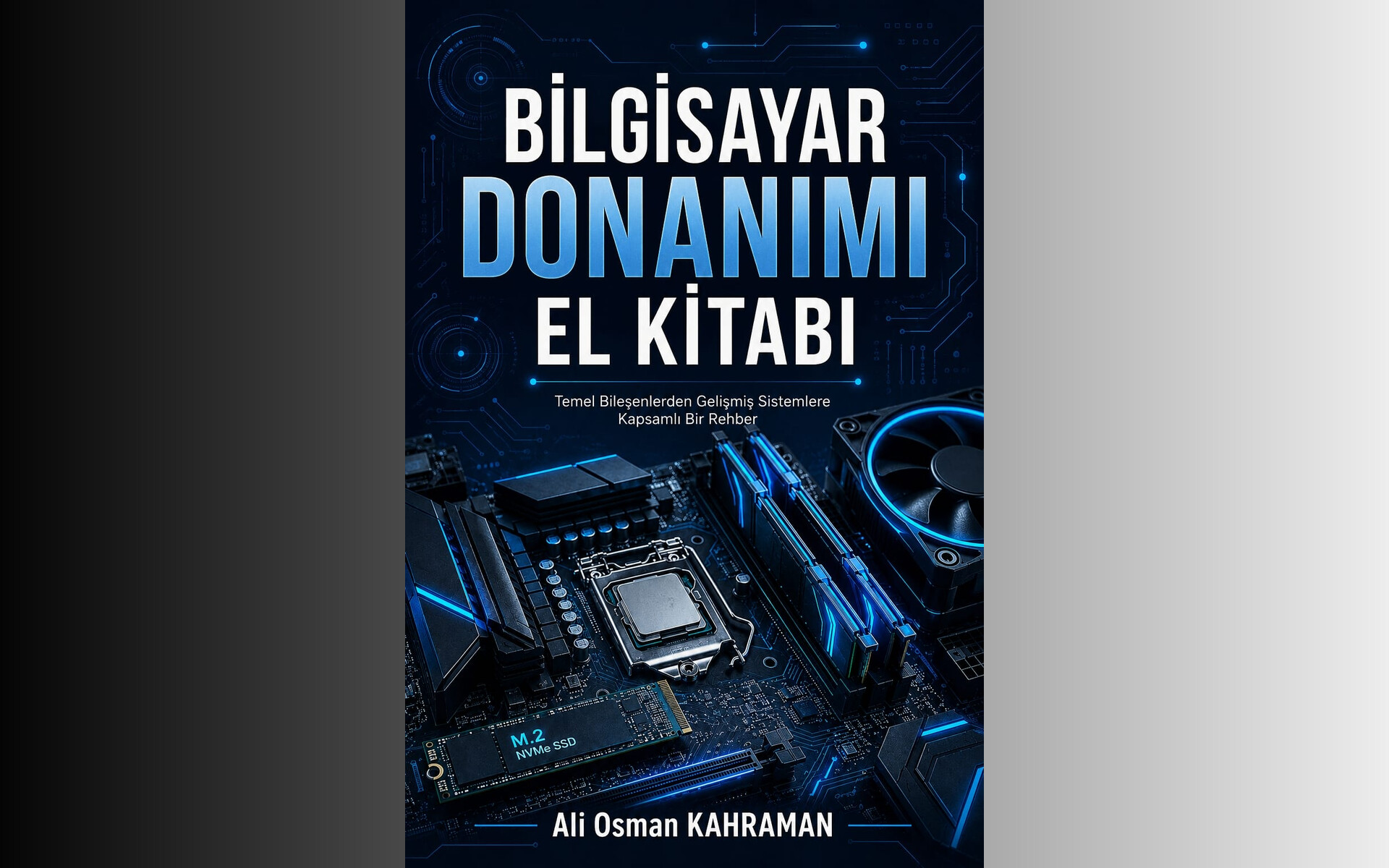
I explain computer components, PC assembly and hardware troubleshooting, including how the parts work together.
 44
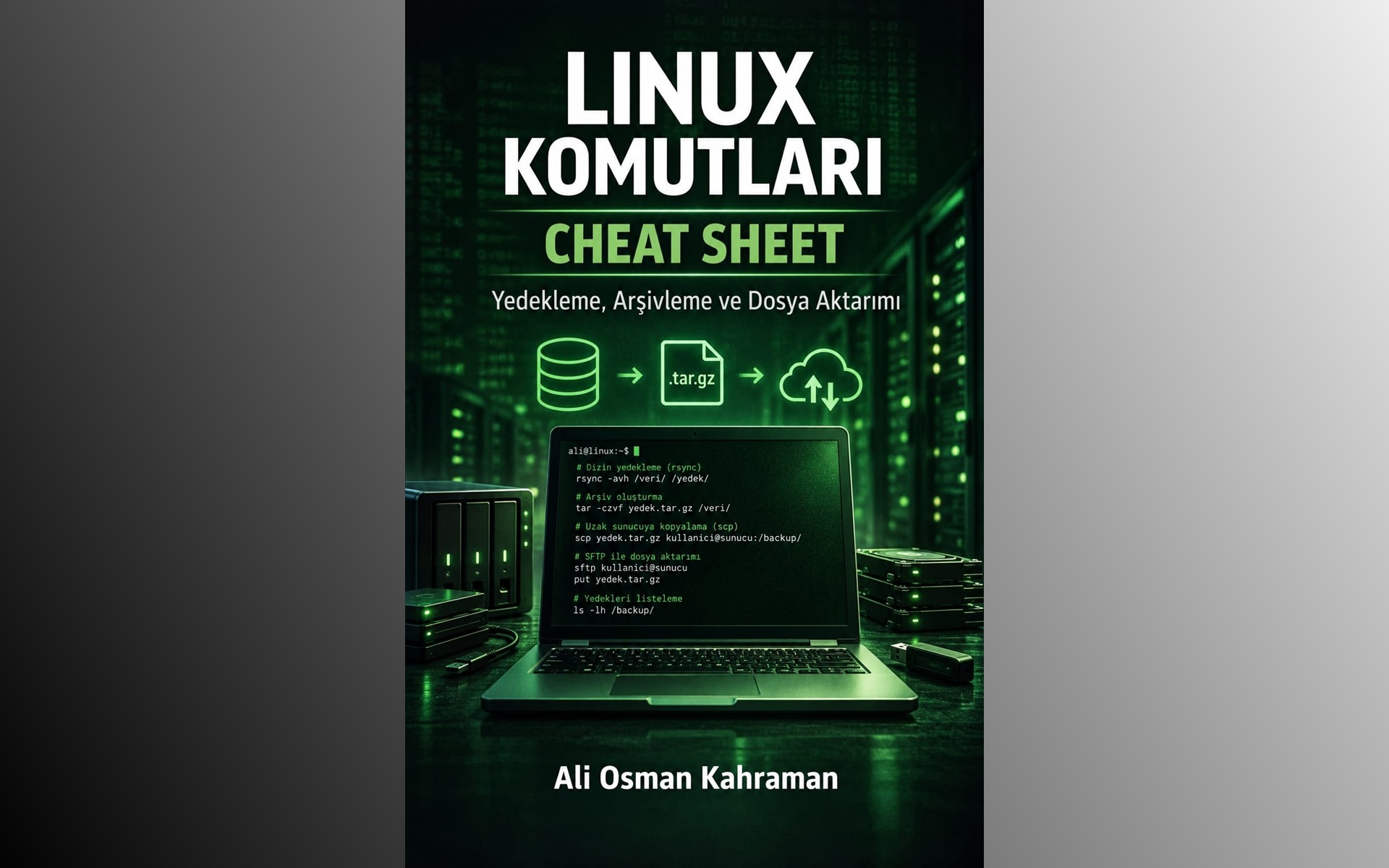
I collected Linux commands for backups, archiving and file transfers between servers, including restoration and backup verification.
 45
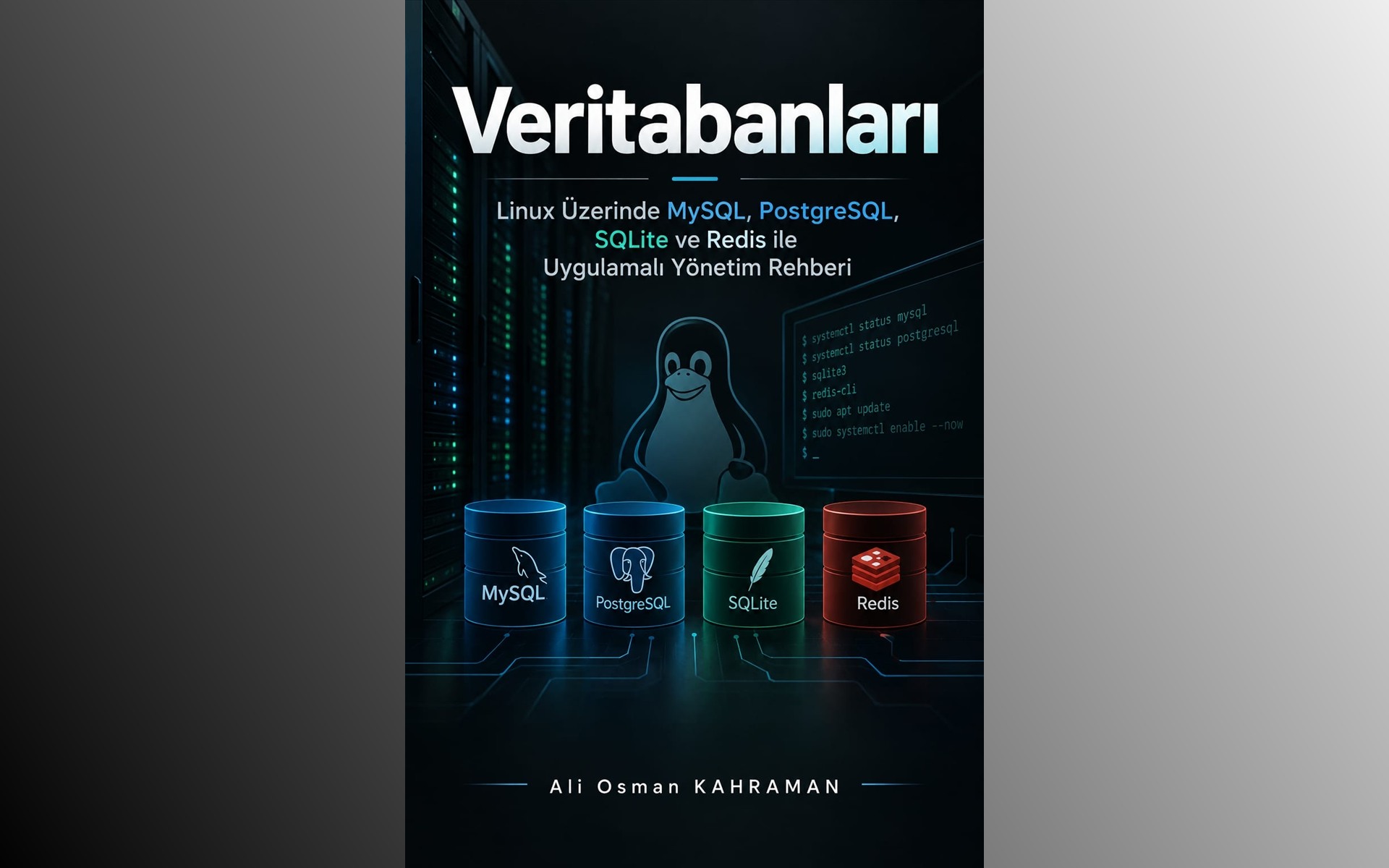
I explain working with MySQL, PostgreSQL, SQLite and Redis on Linux through examples of installation, daily administration and backups.
 46
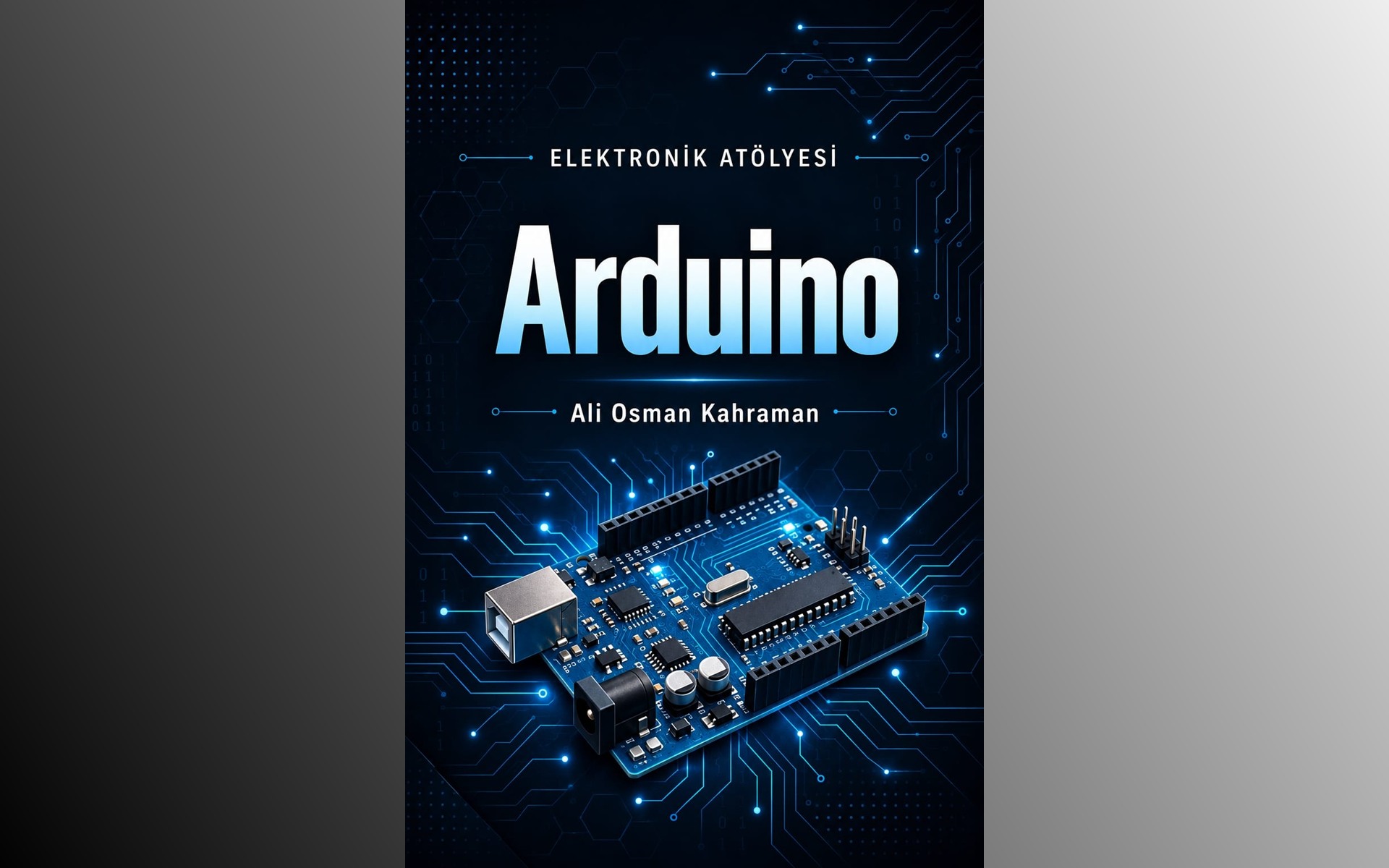
I cover Arduino circuits using LEDs, sensors, displays and motors in this hands-on volume of the Electronics Workshop series.
 47
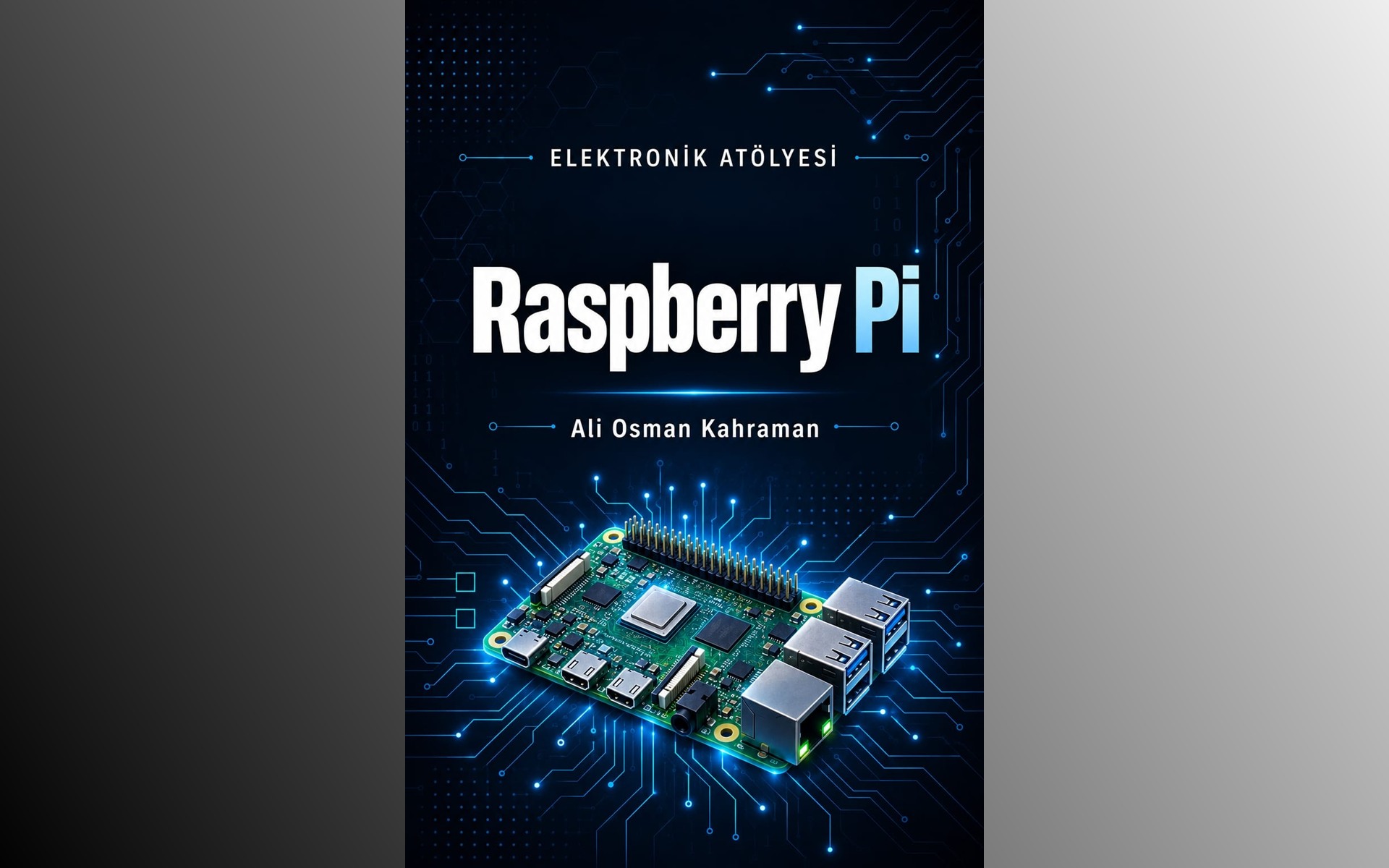
I explain Linux and Python on Raspberry Pi, GPIO connections and working with sensors, bringing these topics together in automation projects.